Digital presentation tools help churches prepare visual materials, keep services organised, and respond to changes without interrupting the gathering. Instead of opening separate files for songs, Scripture, images, and videos, the operator can manage the main content from one interface.
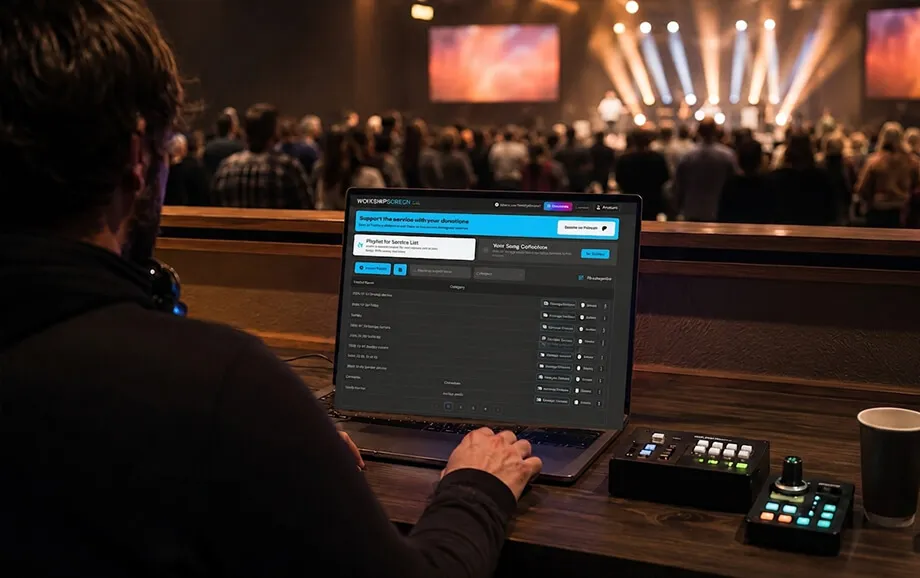
A dedicated worship service software solution reduces repetitive preparation and gives volunteers a clearer operating process. It can also improve song lyrics display by keeping song sections, Bible passages, and media ready for immediate use during the service.
Reason 1: WorshipScreen Is Free
Churches have different budgets and technical resources. Some maintain a dedicated media department, while others rely on volunteers and equipment used only during weekly services. Free access allows congregations of both types to introduce structured visual support without committing to recurring software costs.
The public website does not list any mandatory subscription plans. Its development is supported through voluntary contributions, while the main presentation tools remain available to users without a licence fee.
Modern Features Without Unnecessary Costs
A free church software platform can provide the essential functions required for regular worship services without the cost of an advanced production suite. Users can prepare songs, Bible passages, images, videos, backgrounds, and timers in one browser-based environment.
The core workflow includes four stages:
Adding songs, Scripture, and media to a reusable content library.
Arranging the required materials in a service playlist.
Configuring text appearance and visual backgrounds.
Opening a separate live output and controlling it during the gathering.
Free access does not remove the need for suitable equipment. A church still requires a compatible computer or phone, stable internet access, an output display, and the necessary cables or adapters.
For a small congregation or developing media ministry, WorshipScreen offers an opportunity to test a specialised system during real services before investing in more complex hardware or paid presentation applications.
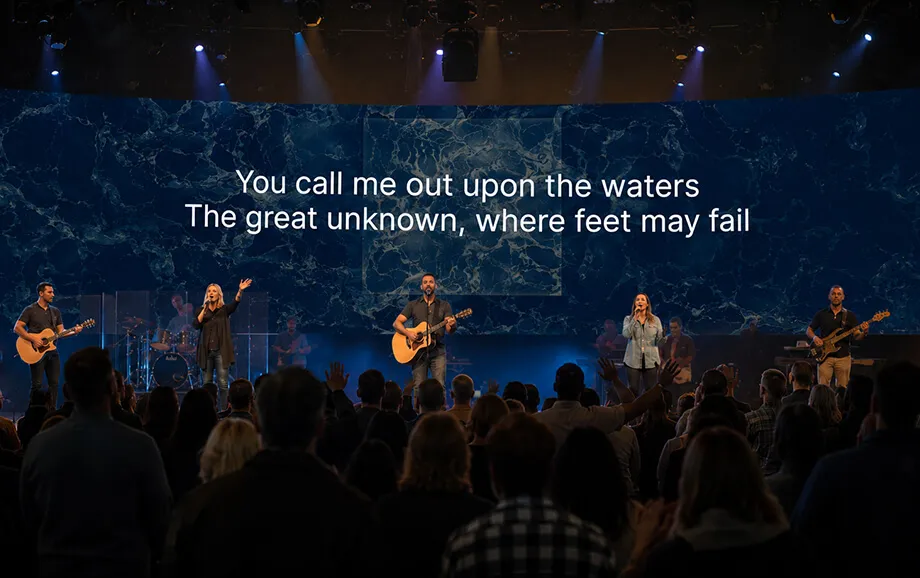
Reason 2: Simple Presentation Control During Worship Services
A live service may move between worship songs, Scripture readings, announcements, videos, and unplanned changes. When each material is stored in a different program or folder, even a simple transition can require several actions.
Centralised presentation control keeps the prepared content connected to the same service plan. The operator can open the required item from one dashboard while the congregation continues to see only the live output.
All Materials in One Place
Songs, Bible passages, images, uploaded videos, YouTube links, and timers can be added to the same playlist. This structure makes worship service software more practical than a collection of unrelated applications.
A unified interface provides several operating advantages:
the operator does not need to search through multiple folders;
playlist items remain arranged in the planned order;
different types of content can be opened from the same control panel.
The presentation itself runs in a separate browser window. This separation prevents editing tools, file lists, and account settings from appearing on the congregation’s screen.
The operator can also react to changes during the gathering. A song section can be displayed again, an additional Bible passage can be displayed, or a prepared video can be skipped without closing the live presentation.
Reason 3: Support for Different Content Formats
A complete church presentation rarely consists of song lyrics alone. Worship services may also include Bible passages, sermon illustrations, event announcements, recorded messages, visual backgrounds, and countdowns.
A specialised church software platform should therefore support both text and media while keeping each item easy to locate during a live gathering. The materials also need to be prepared for the resolution, proportions, and viewing distance of the output screen.
Song Lyrics, the Bible, Images, and Videos
Songs can be saved in a reusable library and divided into sections such as verses, choruses, and bridges. The system prepares these marked sections for individual on-screen display, reducing the need to format every lyric slide manually.
This approach simplifies song lyrics display when the worship leader repeats a chorus or returns to an earlier verse. The operator selects the required section directly instead of scrolling through a long linear presentation.
Bible passages can be added to the playlist before the service. If a pastor refers to an unplanned passage, the operator can open the relevant Scripture without rebuilding the complete presentation.
The service also supports several types of visual content:
Images for announcements, sermon illustrations, and church branding.
Uploaded videos and YouTube links for teaching or event presentations.
Background images or videos placed behind song lyrics.
Timers used before the service or between programme sections.
A default visual shown while no active presentation item is selected.
Every media item should be tested on the actual presentation equipment. The operator needs to confirm image proportions, video playback, audio routing, internet stability, and text readability before the congregation arrives.
Together, these tools provide a practical worship presentation software environment for creating a consistent visual sequence rather than a collection of disconnected slides.
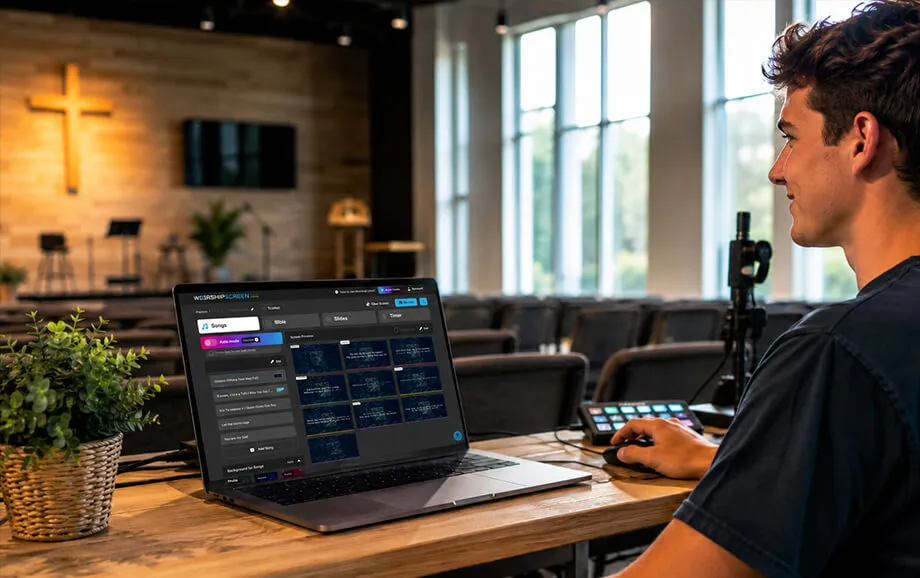
Reason 4: Works with Different Screens and Devices
Churches use a wide range of presentation equipment. A small meeting room may rely on a television, while a larger sanctuary may require a projector or LED display. The control method must remain clear regardless of the selected screen.
A browser-based platform allows the same basic workflow to be used with different output devices. The computer manages the presentation, while the live window is sent to the display intended for the congregation.
LED Screens, Projectors, and Televisions
A computer can connect to an LED screen, projector, or television through HDMI, DisplayPort, USB-C, or another compatible video interface. The exact connection depends on the ports, cable length, resolution, and signal-processing equipment used by the church.
Extended desktop mode is normally preferable to screen mirroring. It allows the operator to keep the dashboard on the main monitor and move the live output window to the external screen.
Projectors require suitable brightness, throw distance, and a clear projection surface. Televisions are often practical in smaller rooms, although one display may not be large enough for a wide sanctuary. Modular LED systems provide higher brightness but require additional processing, power distribution, mounting, and signal-routing equipment.
A compatible television may also open the live output through its built-in browser. This method should be tested carefully because browser support and video performance vary between television models.
The platform can be controlled from a computer or phone. However, the primary device sending the presentation to the external display still needs a reliable connection to the presentation display.
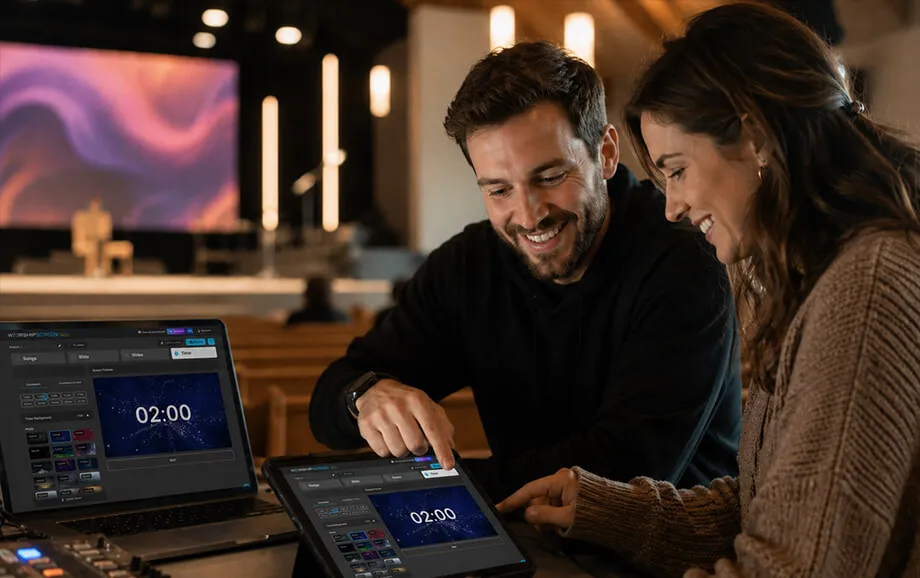
Reason 5: Created for the Real Needs of Churches
General presentation programs are designed for business meetings, education, and other broad uses. They can display church content, but their workflow is not built around reusable worship songs, Scripture passages, service playlists, or rapid changes during a live gathering.
This service was originally developed by a worship team to solve practical presentation needs in its own church. It was later made available to other Christian communities looking for a simpler way to organise visual materials.
A Simple Tool for the Worship Team
A dedicated worship presentation software solution helps the team prepare content before the service and reduces the number of decisions required during the live presentation.
Songs can be stored for future use, while each service receives its own playlist. The operator can arrange lyrics, Bible passages, images, videos, and timers according to the planned sequence and check every item before the gathering begins.
The platform is especially useful for volunteer-led teams because the main controls follow familiar actions: selecting an item, moving between song sections or Bible verses, opening media, and starting a timer.
Simple operation still requires an internal process. Churches should use consistent song titles, section labels, file names, and playlist names. Another volunteer should also know how to open the live output and manage the basic controls if the regular operator is unavailable.
By bringing these tasks together, WorshipScreen supports more than lyric display alone. It helps the team prepare and manage visual content throughout the service. It supports the complete preparation and delivery of visual content throughout the service.
Why You Should Try WorshipScreen Today
A church can begin with one account, several frequently used songs, and a playlist for an upcoming gathering. Bible passages, images, videos, backgrounds, and timers can then be added in the required order.
A free church software service gives the media team an opportunity to test a dedicated workflow without purchasing a licence. The first test should take place outside a live service so that the browser, internet connection, external display, video playback, and audio output can be checked.
Register, prepare a service playlist, and explore how a specialised platform can make presentation control, Scripture display, and song lyrics display easier for the worship team and congregation.