A Mac can handle anything from a simple lyrics-and-Scripture setup to a multi-display church production workflow. The right church presentation software for Mac should match the number of screens, media formats, volunteer experience, and budget rather than simply offer the longest feature list.
What Is Church Presentation Software for Mac?
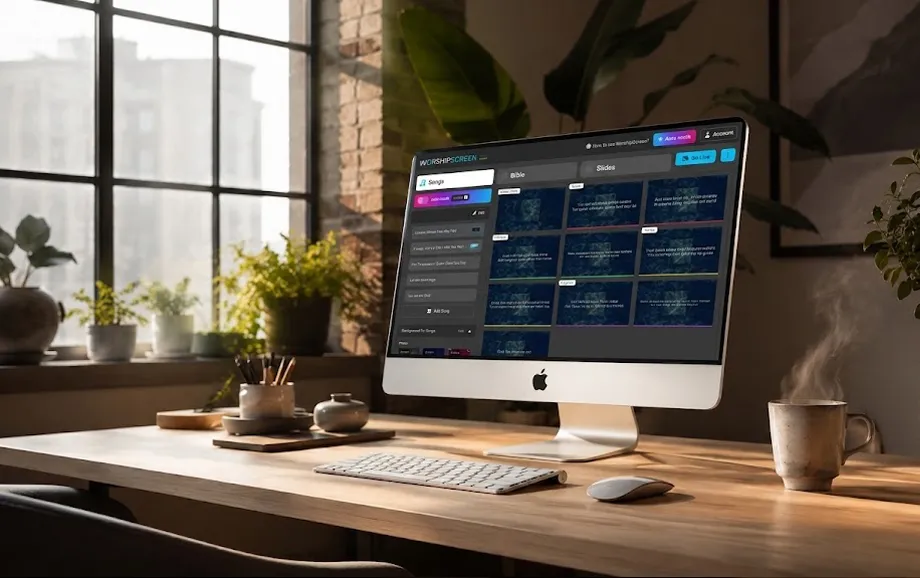
Church presentation software for Mac is built for live services rather than fixed linear slide decks. It brings songs, Bible passages, sermon slides, announcements, images, videos, and timers into a workflow that can be controlled while content is already visible to the congregation.
On macOS, the platform may run as a native application or through a browser. The essential requirement is the same: operators need to change verses, choruses, Scripture references, and media quickly without exposing the control interface on the main screen.
What Is the Best Worship Software for Mac?
The best worship software for Mac depends on the technical scale of the church. One projector and a volunteer operator require a different system from a venue using stage displays, several outputs, and livestream production.
Best Overall Church Presentation Software
For advanced production, ProPresenter is a strong option. It supports live editing, stage screens, media playback, and multiple displays, while current versions are designed for modern macOS systems and Apple Silicon hardware.
Best Free Worship Software for Mac
WorshipScreen is practical free worship software for Mac for churches that prefer a browser-based workflow. It supports songs, Bible passages, images, videos, playlists, timers, and a separate live display without requiring a Mac-specific desktop installation.
Best Bible Presentation Software for Mac
For churches that prioritise a large Scripture library, EasyWorship currently advertises more than 90 Bible translations across 32 languages. Translation availability should always be checked against the versions actually used by the ministry.
Easiest Worship Software for Mac
Good easy worship software for Mac keeps playlists, lyrics, Scripture, preview, and live output easy to identify. This matters when presentation duties rotate between volunteers with different levels of technical experience.
Best Worship Presentation Software for Churches
The strongest worship presentation software for Mac is the one that matches the real service workflow. Advanced output routing adds value only when a church actually uses several independent screens or broadcast integrations.
Best Free Church Presentation Software for Mac
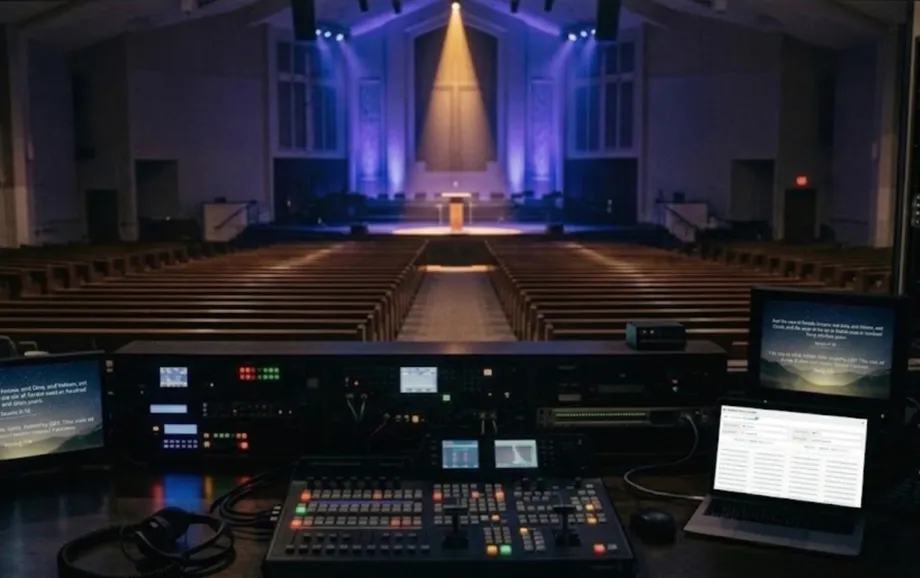
Free solutions can cover weekly services when the main requirements are lyrics, Scripture, images, video, and one primary congregation display. For many smaller churches, free church presentation software for Mac removes a recurring cost without removing the essential presentation tools.
Free Church Presentation Software for Mac
WorshipScreen works through a browser, while FreeShow is a free open-source desktop presenter with macOS support. FreeShow can also import presentations from several established church presentation formats.
Free Worship Presentation Software for Mac
Useful free worship presentation software for Mac should provide reusable content, quick navigation, and a clean live output. The operator should not need to recreate songs or switch between several applications during every service.
Free Bible Presentation Software for Mac
When evaluating free bible presentation software for Mac, check translation availability, verse navigation, and access to unplanned passages. WorshipScreen allows Bible passages to be prepared in playlists and managed during the presentation.
Church Presentation Software for Mac: Free vs. Paid
Teams comparing church presentation software for Mac free options should focus on real production needs. Paid systems become more relevant when the church needs advanced stage displays, independent outputs, integrations, licensed content libraries, or dedicated support.
Church and Worship Presentation Software Features
Practical church worship software for Mac should remain predictable under live-service pressure. Four capabilities matter most:
fast access to songs and Scripture;
reliable image and video playback;
a separate congregation output;
quick changes when the order of service shifts.
These functions affect live operation more directly than decorative effects that may rarely be used.
Bible and Scripture Presentation
The operator should be able to prepare passages before the service and reach an additional reference quickly if the pastor changes direction.
Worship Lyrics and Songs
Reusable songs reduce weekly formatting. Verses, choruses, and bridges should be divided into logical sections so the operator can jump to the required part immediately.
Sermons and Announcements
Sermon graphics and announcements should use an aspect ratio and resolution suitable for the actual output screen. This prevents unexpected scaling or unreadable text on a projector or LED display.
Images, Videos, and Multimedia
Media should be tested on the presentation Mac before the service. Check resolution, video playback, audio routing, and whether online content depends on a stable internet connection.
Projectors and Multiple Displays
Extended desktop mode normally keeps the operator interface separate from the congregation display. For more complex setups, both software output capabilities and the external-display limits of the specific Mac must be checked.
Live Worship Presentation Controls
Live controls should allow quick movement between lyrics, Bible verses, images, and videos without interrupting what the congregation sees.
Bible Presentation Software for Mac
Useful bible presentation software for Mac must work at the pace of live preaching, not merely store Scripture. Search speed, readability, translation support, and verse navigation are the main practical criteria.
Display Bible Verses During Worship
Large type, strong contrast, and controlled line length make Scripture readable from the back of the room. References should remain visible without competing with the verse itself.
Search and Present Scripture
Fast search is particularly useful when a speaker mentions an unplanned passage. The operator should not have to leave the presentation workflow and construct a new slide manually.
Bible Translation Support
Translation libraries vary between platforms. EasyWorship currently lists more than 90 translations in 32 languages, so multilingual churches should verify the exact versions they require before choosing software.
Bible Presentations for Sermons and Services
Strong bible presentation software for Mac keeps prepared passages and live verse navigation close together, reducing delays when a sermon moves between several references.
Church Worship Software for Mac: What Can You Present?
Modern church worship software for Mac can cover most visual content used during a regular service. Each type of material still needs to be prepared for the dimensions and viewing distance of the actual church screen.
Worship Songs and Lyrics
Songs can be saved and reused, reducing repetitive preparation and allowing operators to move quickly between verses and choruses.
Bible Verses
Scripture can support sermons, readings, prayer, teaching sessions, and spontaneous references during a service.
Sermon Slides
Sermon slides may contain headings, quotations, diagrams, or key points. Layouts should remain simple enough to read from the back of the room.
Church Announcements
Announcements can include event details, times, QR codes, and calls to action before the service or between programme sections.
Images and Videos
Photos and video can support sermons, testimonies, events, and worship backgrounds. Aspect ratio, playback quality, and audio should be checked before going live.
Best Church Presentation Software for Mac Compared
The main difference between platforms is not whether they can display basic slides, but how much control they provide over preparation, Scripture, media, and outputs.
Software | Mac Approach | Cost Model | Best Fit |
WorshipScreen | Browser-based | Free | Lyrics, Bible, media, timers |
FreeShow | macOS desktop app | Free, open source | Feature-rich free desktop workflow |
EasyWorship | Mac and Windows | Paid subscription | Integrated songs and Bible tools |
ProPresenter | Native Mac app | Paid subscription | Advanced production and multiple outputs |
FreeShow is free and open source. EasyWorship currently starts at $17.50 per month when billed yearly, while ProPresenter is offered through subscription plans.
How to Choose the Best Worship Software for Mac
The best worship software for Mac should fit both the room and the people operating it. Before committing to a platform, check three points:
current macOS and hardware requirements;
the number and type of displays used during services;
Bible translations, song workflow, media formats, and live controls needed every week.
Testing the software on the actual presentation Mac provides more useful information than comparing feature lists alone.
Check macOS Compatibility
Verify current macOS requirements and Apple Silicon support. Browser-based platforms should also be tested in the browser that will actually be used during services.
Consider Your Church's Needs
A single-projector sanctuary has different requirements from a venue with a confidence monitor, LED wall, and separate stream output.
Compare Free and Paid Features
The best free church presentation software for Mac may already cover songs, Scripture, media, and a primary output. Paid functions are worth considering when they solve an actual production limitation.
Look for an Easy-to-Use Interface
An easy interface reduces operator errors. Volunteers should be able to distinguish live content, upcoming items, and control functions without searching through complex menus.
Check Bible and Lyrics Support
For worship software for Mac, verify the exact Bible translations and song workflow used by the church rather than relying on a generic feature label.
Consider Your Display Setup
Test HDMI or USB-C output, adapters, resolution, extended desktop mode, and audio routing. External-display limits vary between Mac models and Apple Silicon chips.
Is Free Worship Software Enough for a Church?
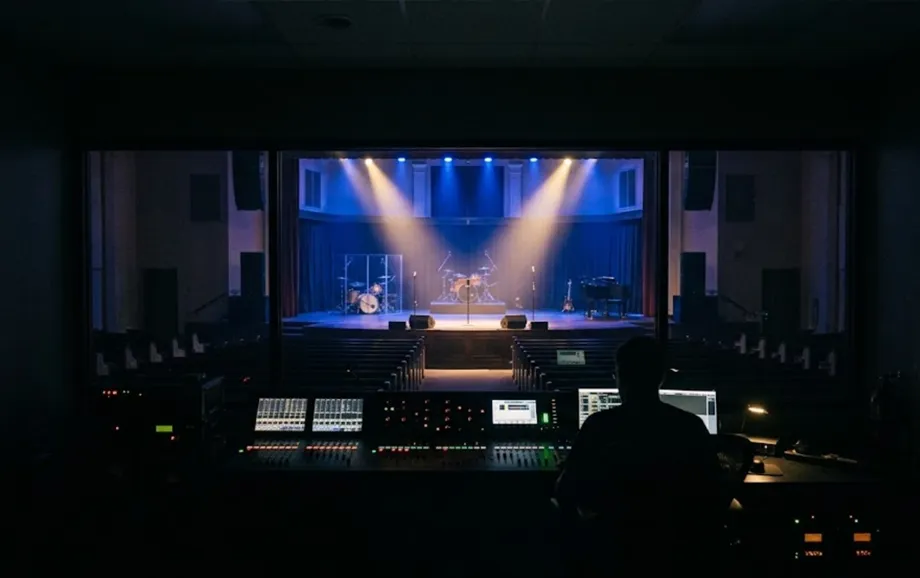
For many small and mid-sized congregations, free worship software for Mac is sufficient for lyrics, Scripture, images, videos, and one main audience display. Paid software becomes easier to justify when the production requires several independent feeds, specialised integrations, or dedicated technical support.
Easy Worship Software for Mac for Beginners
Beginner-friendly easy worship software for Mac should reduce configuration work and make common live actions obvious. A volunteer should understand the service sequence rather than memorise a complex technical interface.
Simple Setup and Installation
Browser-based tools avoid local installation, while desktop applications require compatible macOS and suitable hardware. In both cases, setup should finish with a test on the real projector, television, or LED screen.
Easy Worship Slide Creation
Templates and reusable songs reduce repetitive formatting. A practical easy worship program should not require volunteers to redesign every verse or announcement individually.
Managing Lyrics and Bible Verses
Good worship presentation software for Mac keeps songs and Scripture inside the same live workflow, allowing operators to move between them without opening another application.
Training Volunteers to Use Worship Software
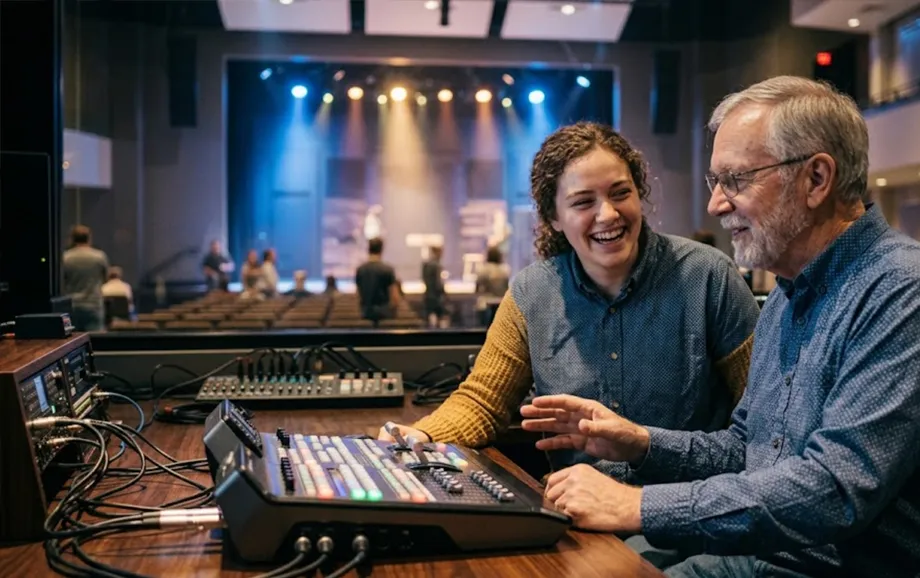
Training should follow a real service: open the playlist, select lyrics and Scripture, trigger media, send the presentation to the correct display, and recover from an incorrect selection.
Frequently Asked Questions About Church Presentation Software for Mac
What is the best church presentation software for Mac?
For advanced multi-output production, ProPresenter is a strong choice. For a simpler browser-based workflow without a software fee, WorshipScreen is a practical alternative.
Is there free church presentation software for Mac?
Yes. WorshipScreen is browser-based and free to use, while FreeShow provides a free open-source application for macOS.
What is the best free worship software for Mac?
The best free church presentation software for Mac depends on workflow. Browser-based tools reduce installation work, while desktop applications can provide deeper local control.
What is the best Bible presentation software for Mac?
The best option depends on translation requirements and live verse workflow. Free bible presentation software for Mac may be sufficient when the church needs straightforward Scripture display rather than an extensive translation library.
Can I use worship presentation software on a Mac?
Yes. Mac users can choose between native applications and browser-based platforms, although compatibility should always be checked against the current macOS version.
What is the easiest worship software for Mac?
The easiest option is the one that keeps playlists, lyrics, Bible passages, preview, and live output clear enough for volunteers to operate consistently.
Can free worship software display Bible verses and lyrics?
Yes. Free browser-based and desktop tools can support Bible verses and lyrics. Differences usually concern translation libraries, output control, integrations, and workflow depth.
Choose the Right Worship Presentation Software for Your Mac
Choosing free worship presentation software for Mac or a paid platform should begin with the service workflow rather than the price label. For many congregations, a church presentation software for Mac free solution can cover lyrics, Scripture, and media without adding unnecessary complexity.
Before adopting any free church presentation software for Mac, test it on the actual Mac, projector or LED screen, audio path, and internet connection. Reliable presentation depends on the complete setup, not software alone.