Visual support helps a congregation follow worship songs, read Scripture, and view announcements without relying on printed materials. To prepare this content, church media teams need a practical system that keeps songs, Bible passages, images, and videos in one place and allows them to control the presentation during a live service.
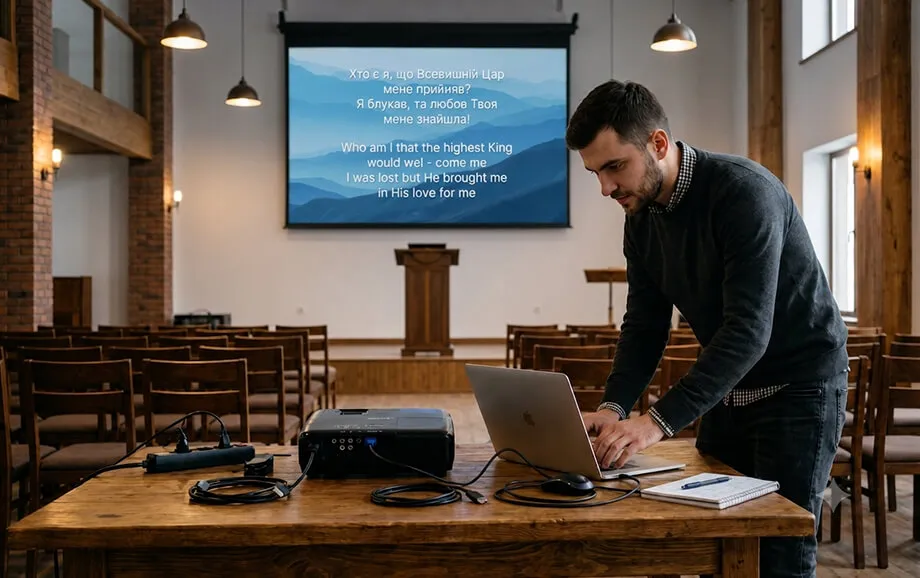
Using free song lyrics presentation software can simplify this process without adding recurring licence costs to the church budget.Instead of building every service in several unrelated applications, operators can prepare a structured playlist, connect a presentation screen, and manage the content from one browser-based workspace.
What Is Free Software for Displaying Song Lyrics
Free software for displaying worship lyrics is a digital tool used to prepare, organise, and present visual materials during church services. Its primary purpose is to help the congregation see the words of songs clearly while also giving the media operator access to Scripture passages, images, videos, and other supporting content.
The service acts as a central presentation workspace. Songs can be stored in a reusable library, divided into verses and choruses, and arranged in the order required for a particular gathering. Bible passages and media files can then be added to the same playlist.
A typical presentation workflow includes four stages:
Preparing songs, Bible passages, and media materials.
Arranging the content in a service playlist.
Configuring text, backgrounds, and screen positioning.
Opening a separate output window and controlling it during the gathering.
This structure reduces the need to switch between text documents, Bible applications, video players, and conventional slideshow files. It also helps the operator respond to changes in the order of service without searching through several folders or programs.
As browser-based church software, the platform does not require a complex desktop installation. The operator can prepare content online, open the presentation in a separate browser window, and send that output to a projector, television, or LED display. The control interface remains visible only on the operator’s device.
Why Choose a Free Solution for Your Church
Church presentation needs vary considerably. Some congregations have dedicated media departments and permanent technical installations, while others rely on volunteers and equipment that is used only during weekly services. A free system makes structured visual presentation accessible without requiring an immediate investment in specialist software.
The value of a free platform is not limited to price. A browser-based workflow can also reduce initial setup time, simplify access from different devices, and make it easier for new volunteers to learn the basic presentation process.
Accessibility for Every Church
A subscription may be difficult to justify for a small congregation, a newly established ministry, or a church that uses presentation software only a few times each month. Free access allows these communities to introduce modern visual tools without creating another fixed operating expense.
With free song lyrics presentation software, a church can create a digital song library, prepare service playlists, and test the complete workflow before deciding whether it needs a more advanced presentation system. This is particularly useful when the media ministry is still developing or when several volunteers share responsibility for presentations.
Free access can support several types of users:
small congregations without a permanent media department;
volunteer worship teams preparing weekly services;
ministry leaders organising occasional events.
The church still needs suitable equipment, including a compatible computer or browser-enabled device, a projector or display, and the necessary cables or adapters. Internet access is also important because the service operates online and may include external media such as YouTube videos.
No Complex Setup Required
A browser-based platform removes several technical steps associated with traditional desktop applications. The operator does not need to download an installation package, configure local program files, or repeat the installation process on every computer used by the church.
The initial setup normally involves creating an account, preparing the content library, building a playlist, and connecting the presentation device. Once these steps are complete, the same saved songs can be reused in future services.
This makes the platform suitable for users without advanced multimedia experience. However, simple operation does not eliminate the need for preparation. Churches should still test the browser, screen resolution, video output, internet connection, and all playlist items before the congregation arrives.
A consistent internal workflow also reduces operating errors. Song names, verse labels, background files, and playlist titles should follow an agreed format so that another volunteer can take over the presentation when necessary.
Comparison with Paid Alternatives
Free and paid church presentation systems often address similar basic tasks, but they may differ significantly in scope. Both can support worship lyrics and visual media, while paid applications may also include advanced production tools intended for large venues, multi-screen environments, or professional broadcasting workflows.
The appropriate choice depends on the church’s actual requirements. A congregation should compare practical needs rather than assume that a longer feature list automatically produces a better service experience.
Main Differences in Functionality
A free browser-based platform focuses on the functions needed for everyday church presentations. These commonly include a song library, Scripture passages, service playlists, media files, backgrounds, and live presentation controls.
Paid alternatives may provide additional capabilities, such as advanced stage displays, multiple independent outputs, complex slide layers, livestream integrations, automation tools, or connections to external production equipment. These functions can be valuable, but they may also require more powerful hardware, additional training, and a larger media team.
The main differences can be summarised as follows:
A browser-based service prioritises quick access and does not require local desktop installation.
A free platform removes mandatory licence or subscription costs.
Advanced paid systems may provide broader production controls for complex technical environments.
A simpler interface can be easier for rotating volunteers to learn.
The final choice should reflect the number of screens, media formats, operators, and integrations used by the church.
For many congregations, reliable song lyrics display and straightforward media playback are more important than specialist broadcast functions. In such cases, a focused tool may provide a more manageable workflow than a technically extensive application.
When to Choose a Free Service
A free service is a practical option when the church needs to show songs, Bible passages, images, and videos on one main presentation screen. It is also suitable when the media team prefers browser access and does not need specialised integrations with professional production systems.
This type of worship service software can work well for Sunday services, Bible studies, prayer gatherings, youth meetings, conferences, and seasonal church events. Separate playlists allow operators to keep materials organised for each gathering.
A free platform is especially appropriate when:
one primary presentation output is sufficient;
volunteers need a straightforward operating process;
the church wants to avoid recurring software costs;
content consists mainly of lyrics, Scripture, images, and standard videos;
the technical team can test the browser and internet connection before each event.
A paid alternative may be more appropriate when the church requires several independent outputs, specialised livestream controls, extensive automation, or direct integration with professional video hardware. The decision should be based on operational requirements rather than the assumption that paid software is always necessary.
Why WorshipScreen Is Free
WorshipScreen was initially developed by a worship team to solve presentation needs within its own church. The creators needed a simple way to prepare songs and other materials, arrange them for a service, and control what appeared on the congregation’s screen.
The project was later made available to other churches. Free access forms part of the service’s current concept rather than being presented as a limited trial: a practical tool created within a ministry context and shared with other Christian communities.
The public website does not list mandatory subscription plans. Development is supported through voluntary contributions, allowing users to access the core presentation functions without paying a recurring licence fee.
This model is particularly relevant for smaller ministries. It gives them access to structured church software while allowing supporters to contribute voluntarily to continued development.
What Is Included in WorshipScreen’s Functionality
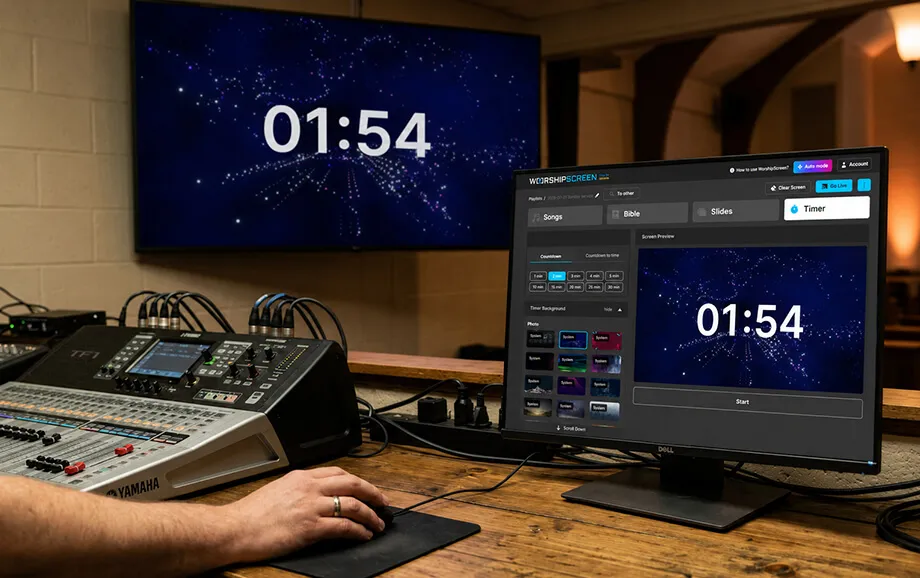
The platform combines the principal materials used during a church service in one browser-based control environment. Operators can prepare songs, Bible passages, images, videos, and timers in advance and then manage the live presentation from the selected playlist.
The individual modules are connected through a practical workflow. Content is first added to the user’s library or playlist, configured for display, and then opened in a separate presentation window.
Displaying Song Lyrics
The song editor allows users to enter a title and add the complete lyrics. Individual sections, including verses, choruses, and bridges, can be marked within the text so that the service can turn them into separate slides.
This automated structure reduces manual formatting. The operator does not need to create an individual text box for every section of the song. Once prepared, the song remains in the library and can be reused in future playlists.
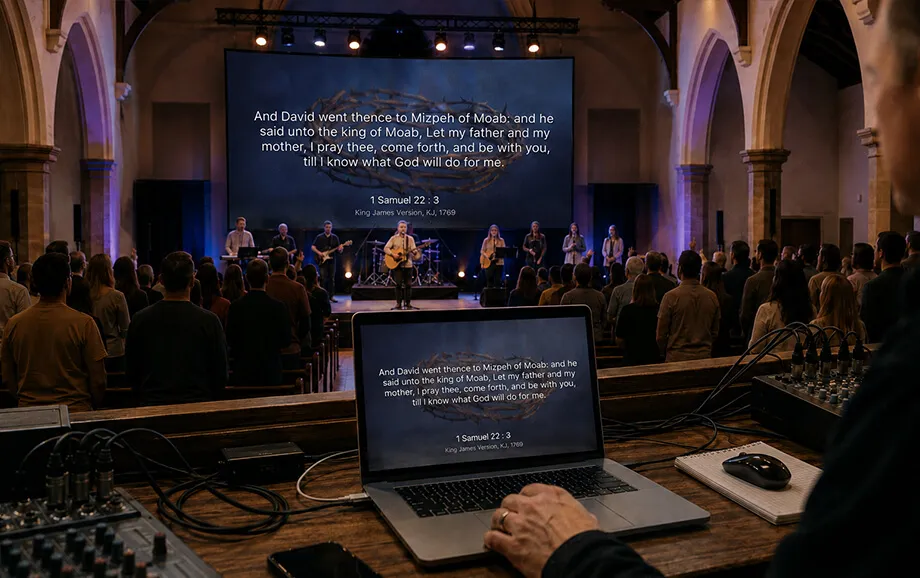
During a live presentation, the operator can choose the required verse or chorus from the control panel. This makes song lyrics display easier to manage when a worship leader repeats a section or changes the planned sequence.
The song lyrics on screen can appear over a selected image or video background. Text settings such as font, colour, alignment, and screen position can be adjusted to improve readability. Churches should use sufficient contrast and avoid visually busy backgrounds that make the words difficult to read from a distance.
Working with the Bible
Bible passages can be added to the service playlist before the gathering. The operator can then display the selected verses and move between them during a sermon, reading, or prayer.
The service also supports situations in which the speaker refers to a passage that was not included in the original plan. The operator can find and open the required Scripture passage without rebuilding the entire playlist.
This function helps keep biblical content visually connected to the service. Instead of asking the congregation to locate every passage individually, the media team can present the relevant text on the main screen.
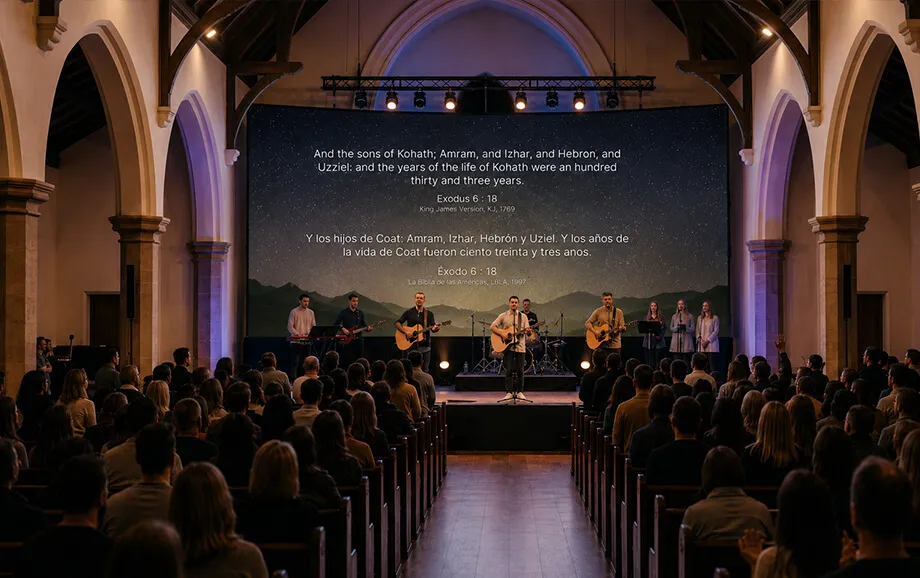
The selected Bible language and translation can be configured in the account settings. Available options should be checked during preparation, especially when a multilingual congregation requires a particular version of Scripture.
Images, Videos, and Slides
Images and videos can support announcements, sermons, worship songs, event introductions, and transitions between different parts of the service. The platform supports uploaded media as well as YouTube links.
These materials may be shown as standalone items or used as backgrounds. A church can also set a default visual, such as its logo or event title, to appear while no song, passage, or video is active.
Media files should be prepared for the target display. The operator needs to consider image resolution, screen aspect ratio, file size, video playback, and the position of any overlaid text. Every external link should be opened before the service to confirm that it remains available.
When placing song lyrics on screen, the background should support rather than compete with the text. Subtle motion and clear contrast generally provide better readability than detailed imagery with strong highlights behind the words.
Connecting to Screens and Televisions
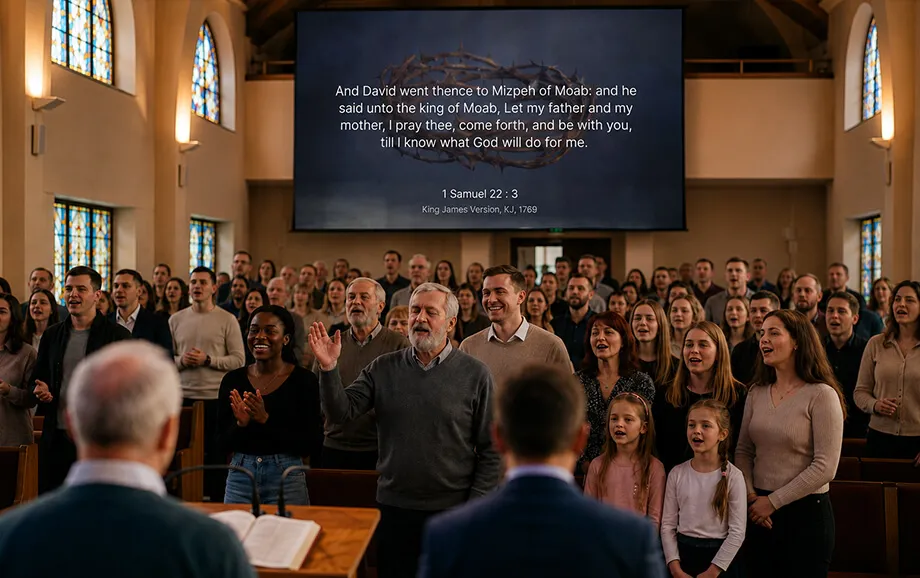
The presentation operates through two browser views. The control interface is used by the operator, while a separate live output window displays the selected content to the congregation.
A computer can send this output to an LED screen, projector, or television through its available video connection. A compatible television may also open the output directly through its built-in browser, although browser support and device performance should be tested in advance.
The operator can manage songs, Bible passages, images, videos, and timers without displaying the dashboard to the audience. Only the live output window needs to appear on the main screen.
As worship service software, this setup supports quick changes during the gathering. The operator can switch to another song section, open an additional Scripture passage, correct text, or start a prepared video while the output window remains active.
Try WorshipScreen for Free
A church can begin by creating an account, adding several frequently used songs, and preparing a playlist for an upcoming service. Bible passages, images, videos, and backgrounds can then be arranged in the required order.
WorshipScreen provides the essential tools needed to organise worship visuals without a complicated desktop installation. Its browser-based workflow supports advance preparation, reusable content, and live presentation control from a computer or phone.
Register for free, connect the selected presentation device, and use the platform to bring clear song lyrics on screen, Scripture, and supporting media to the congregation.