A reliable church media team does more than operate screens or start videos. It supports the service by making lyrics, Scripture, sermon visuals, sound, and other media available at the right moment without distracting the congregation.
Building a media ministry from zero does not require a large technical department. A small group of dependable church volunteers, clear responsibilities, simple procedures, and regular practice are enough to create a stable foundation that can grow with the church.
What Is a Media Team and Why Does a Church Need One?
A church media team manages the technical and visual elements used before, during, and sometimes after a service. Its role depends on the size of the congregation and the equipment available, but the central objective remains consistent: support worship, preaching, communication, and participation.
Main Responsibilities of a Church Media Team
Weekly responsibilities may include preparing song lyrics, Bible passages, sermon slides, announcements, videos, and presentation playlists. In churches with more advanced systems, the team may also manage sound, cameras, livestreaming, lighting, or recording.
The Role of Media Ministry During Worship
A well-organised media ministry works quietly in the background. Operators follow the order of service, anticipate transitions, and respond when the worship leader repeats a chorus or the pastor refers to an unplanned Bible passage.
What Content the Team Creates and Displays
Typical content includes worship lyrics, Scripture, sermon points, event announcements, photos, videos, countdowns, and title screens. Every item should be prepared for the actual display size and checked for readability before the congregation arrives.
How the Media Team Supports Church Ministry
Good media work reduces interruptions. Clear lyrics help people participate in worship, readable Scripture supports preaching, and accurate announcements make church communication easier to follow.
How to Identify Your Church's Media Ministry Needs
Before recruiting people or buying equipment, define what the church actually needs every week. Starting with real tasks prevents the team from becoming more complicated than the service itself.
What Tasks Need to Be Done Every Week
List recurring responsibilities first:
prepare lyrics and Scripture;
create or collect service visuals;
operate the live presentation;
check equipment before the service.
Once these tasks are stable, additional responsibilities can be introduced without overloading the first volunteers.
What Equipment the Church Already Has
Document the existing computer, projector or LED screen, audio system, cables, adapters, internet connection, cameras, and control devices. Check what works reliably before planning upgrades.
How Many People Are Needed
A simple service may need one presentation operator and one backup. A more complex setup may separate presentation, sound, livestream, camera, and technical support duties.
The goal is not to fill every possible position immediately. The number of church volunteers should reflect the actual workload.
What Areas Can Be Added Later
Livestreaming, multi-camera production, social media clips, advanced lighting, and recording can be added after the core presentation workflow is dependable.
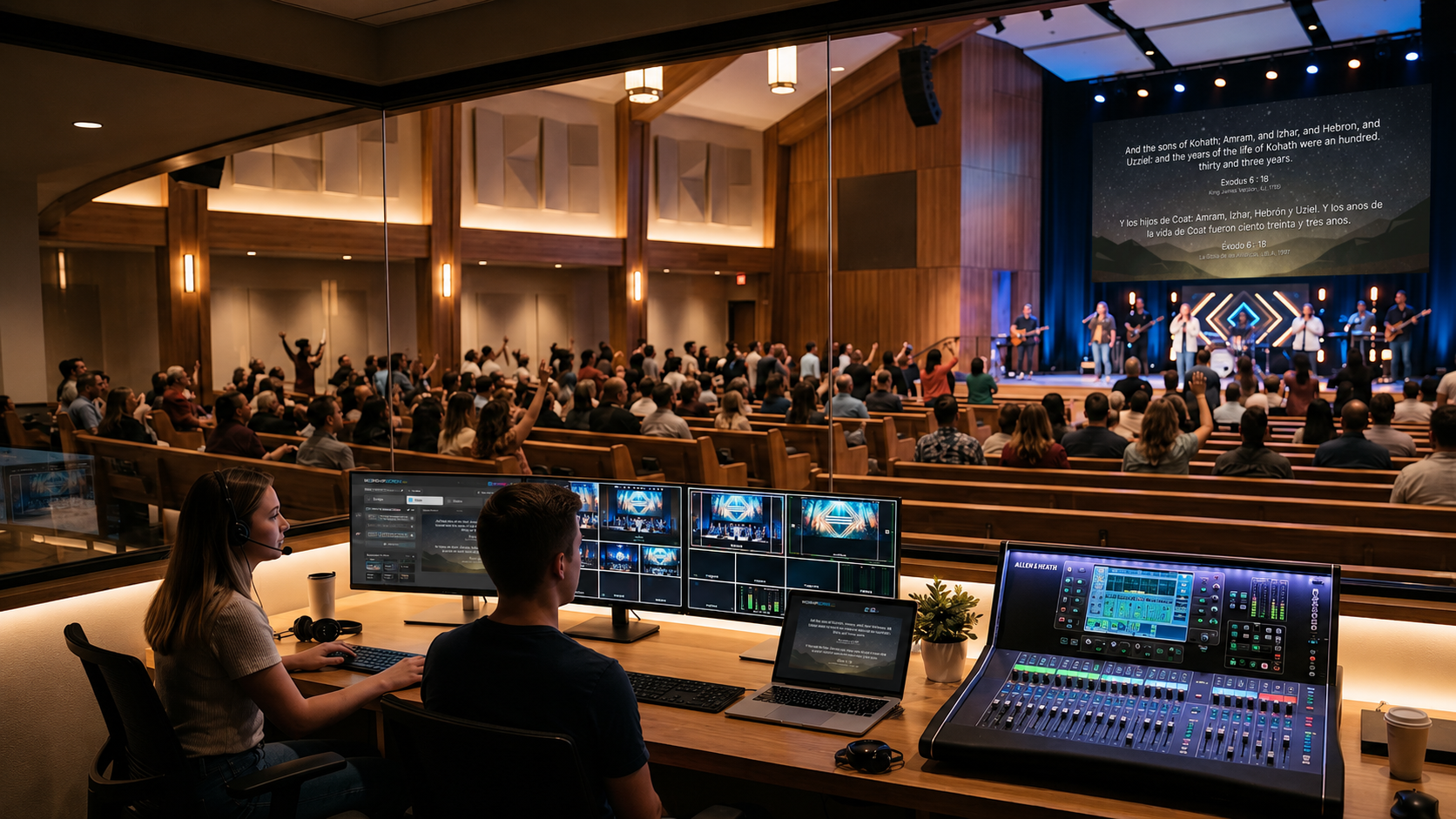
How to Find People for the Media Team
Recruiting should focus on reliability and willingness to learn rather than technical expertise alone. Many strong operators begin with little experience but become confident through repeated practice.
Who Can Be Invited to Join Media Ministry
Potential team members include students, musicians, photographers, IT-minded members, regular volunteers, and people who already show interest in church technology.
Does a Volunteer Need Technical Experience?
No advanced background is required for most presentation roles. Basic computer literacy, attention to detail, and calm behaviour during live services often matter more than prior knowledge.
How to Engage Young People and New Church Members
Media work gives people a practical way to contribute. Young members may be particularly interested because the ministry combines technology, creativity, teamwork, and visible responsibility.
How to Invite Someone to Serve
Explain the role clearly instead of making a vague request to “help with media”. A useful invitation should state what the person will do, how often they will serve, and how training will be provided.
What Roles Are Needed in a Church Media Team?
A small church media team may combine several roles, while a larger church can assign each responsibility separately. Clear ownership prevents important tasks from being assumed rather than completed.
Church Presentation Operator
The operator controls lyrics, Bible passages, slides, videos, and other live content. This person needs to understand the service order and react quickly when it changes.
Person Responsible for Content Preparation
This role prepares playlists, checks song text, receives sermon slides, organises announcements, and makes sure all files are ready before the service.
Technical Lead
The technical lead checks the computer, display connection, adapters, network, audio route, and other hardware. This person should also know the basic recovery procedure for common failures.
Media Team Coordinator
The coordinator manages schedules, communicates with worship leaders and pastors, assigns tasks, and ensures that someone is responsible for every service.
What Skills Team Members Need
The most useful skills are operational rather than highly specialised. A strong team can be built around consistent habits.
Basic Technical Skills
Team members should know how to start the presentation system, select the correct display, open the service playlist, play media, and recover from a simple connection problem.
Attention and Quick Response
Live presentation depends on timing. The operator should follow the speaker or worship leader closely enough to anticipate the next verse, slide, or media item.
Ability to Follow a Service Plan
The service plan provides the expected sequence, but it should not become a rigid script. Operators need to understand the structure well enough to adapt when something changes.
Communication with Other Ministry Leaders
The presentation team should receive song lists, Scripture references, sermon materials, and announcements early enough to prepare them properly.
How to Train New Volunteers
Training works best when it moves from observation to controlled practice and then to real responsibility. New church volunteers should never be introduced to the system for the first time five minutes before a service.
Where to Start Training
Begin with the normal weekly workflow. Explain how the service is prepared, where files are stored, who supplies content, and what the operator is expected to do during worship.
Introduction to the Software and Equipment
Teach only the functions used regularly at first. A beginner should understand how to:
open the service playlist;
select lyrics or Scripture;
control the audience display.
More advanced settings can be introduced later.
Practising with a Prepared Service
Run through an existing service when the room is empty. Ask the trainee to follow songs, open Bible passages, start a video, and react to deliberate changes in the sequence.
Working with an Experienced Operator
The safest transition is a shared service. The experienced operator supervises while the trainee handles routine actions and receives immediate feedback.
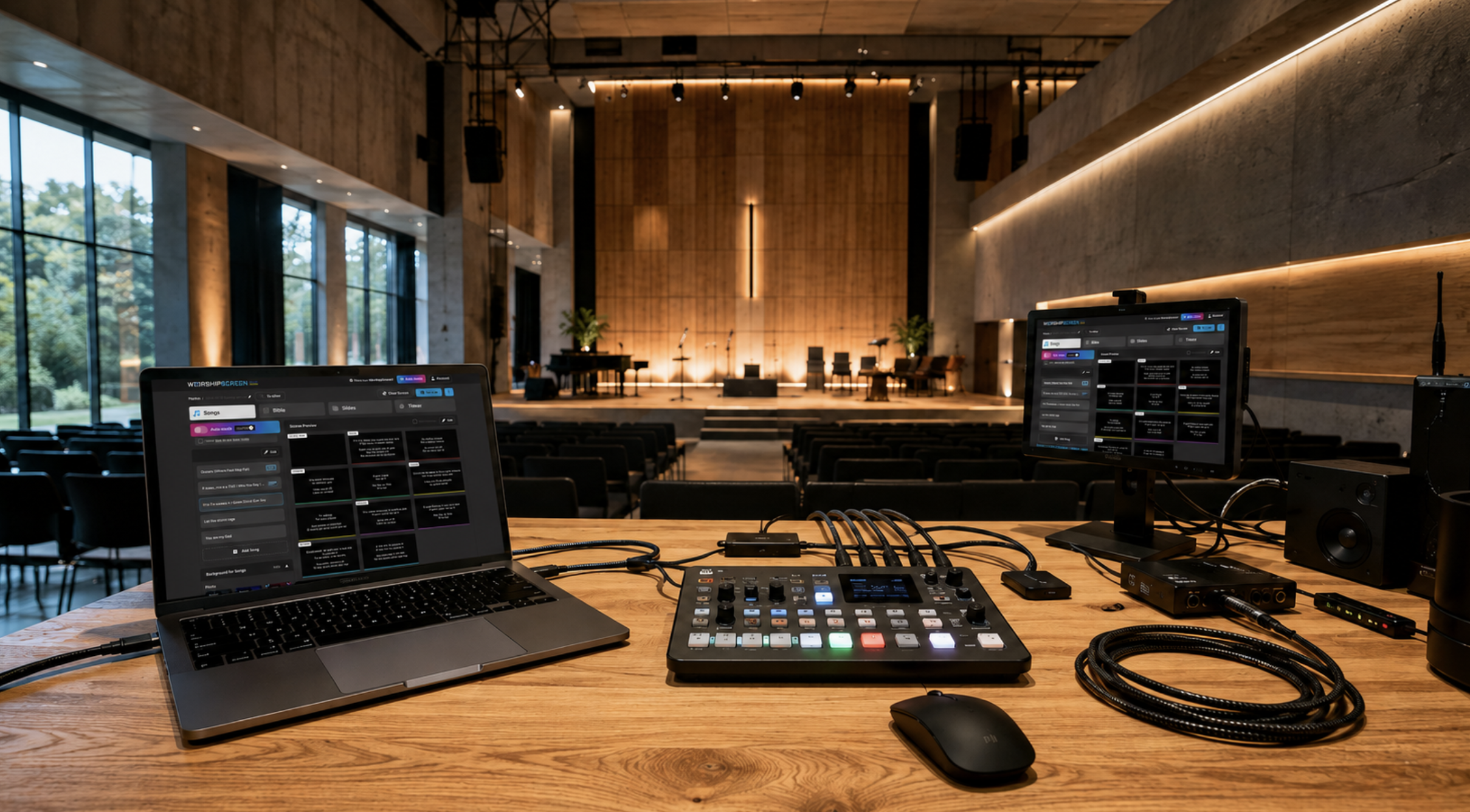
Browser-based tools such as WorshipScreen can simplify this stage because presentation controls and live output can be separated without introducing a complex production interface.
How to Organise the Work of a Media Team
A reliable media ministry depends on repeatable procedures. When the process is documented, the service does not depend on one person remembering every detail.
Creating a Volunteer Schedule
Prepare a rota several weeks in advance and always identify a backup operator. Avoid scheduling the same person continuously, especially when the role requires attention throughout the entire service.
Assigning Tasks Before the Service
Each service should have clear ownership of content preparation, live operation, and technical checks. In larger teams, sound and livestream responsibilities should also be assigned separately.
Communication Between Team Members
Use one agreed communication channel for schedules, song lists, sermon files, and last-minute changes. Information spread across several chats and personal messages is easy to miss.
Final Check Before the Service
A short pre-service check should cover five points:
playlist and song order;
Bible passages and sermon slides;
videos and audio playback;
projector, LED screen, or TV output;
internet connection and backup cables.
Complete the check before people begin entering the room. This leaves time to solve problems without affecting the service.
How to Develop the Church's Media Ministry
Once weekly operations are stable, development should focus on consistency rather than adding equipment for its own sake. The strongest media ministry grows by improving processes and people first.
How to Evaluate the Team's Work
Review recurring errors, delays, technical failures, and communication problems. The objective is not to criticise individual operators but to identify steps that need clearer instructions or more practice.
How to Train New Operators
Keep training continuous so the team always has backups. New members can begin with content preparation or supervised presentation duties before handling a full service independently.
How to Create Internal Standards
Create short written procedures for file naming, song structure, presentation style, screen setup, startup, shutdown, and troubleshooting. Standardisation allows different operators to produce a consistent result.
When to Expand the Team
Expansion makes sense when the existing group cannot cover the schedule reliably or when new responsibilities such as cameras, livestreaming, or social media are added.
At that stage, a church media team becomes more sustainable when responsibilities are distributed rather than concentrated around one technically experienced person. WorshipScreen and similar presentation tools can support the visual workflow, but long-term reliability still depends on trained people, clear roles, and a process the whole team understands.