Training a church volunteer to manage a live presentation is less about teaching every software feature and more about building reliable habits. The operator needs to understand the service flow, recognise cues from worship leaders and speakers, and know how to react when the planned sequence changes.
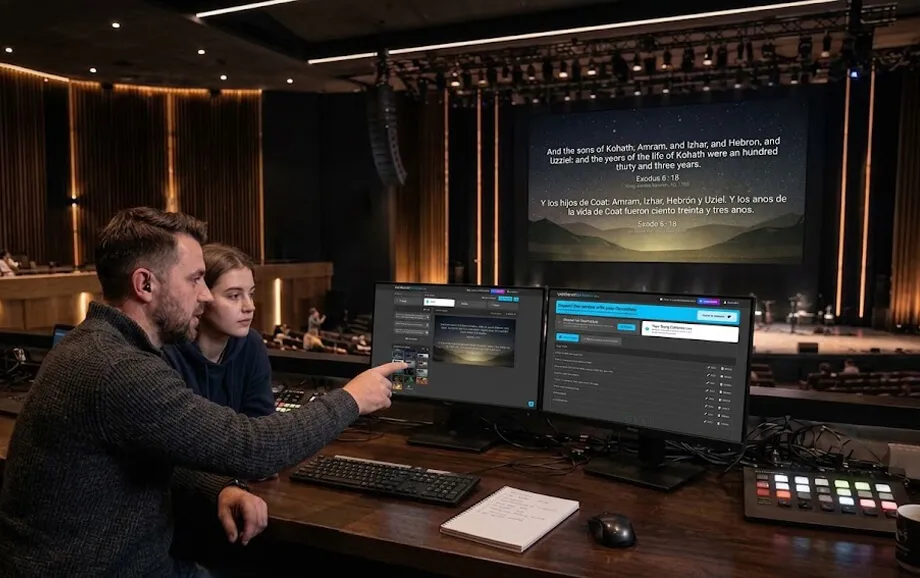
Effective church operator training should move from observation to controlled practice and only then to independent operation. A new presentation operator becomes reliable when technical skills, timing, and confidence develop together rather than being taught as separate topics.
What a New Operator Should Be Like
A good operator does not need to arrive with professional production experience. The strongest beginners are usually attentive, calm, willing to learn, and comfortable following a clear process.
Is Technical Experience Required?
Advanced technical knowledge is not essential for most presentation roles. Basic computer skills are usually enough to begin learning how to open a playlist, select content, manage an audience display, and recover from simple mistakes.
Technical confidence can be developed through repetition. The first training sessions should focus on the actions that happen every week instead of introducing rarely used settings.
What Qualities Matter for a Volunteer?
Reliability, concentration, communication, and patience are more important than speed. A church volunteer should be able to follow the service closely and stay calm when the order changes.
Three qualities are especially useful:
attention to spoken and musical cues;
willingness to prepare before the service;
readiness to ask questions when something is unclear.
These qualities create a stronger foundation than previous software experience alone.
Why Attention Matters More Than Speed
A fast click at the wrong moment is still a mistake. The operator should know when to wait, when to advance, and when to hold the current slide.
In a live church presentation, timing affects how naturally the congregation follows lyrics, Scripture, and sermon content. Accuracy should come first; speed develops with practice.
Where to Start Training
The first stage should explain the complete workflow before focusing on individual buttons. A trainee needs to understand where the content comes from, how it reaches the screen, and who gives cues during the service.
Introduction to the Equipment
Show the presentation computer, projector or LED screen, cables, adapters, audio route, and any secondary display. Explain which device is the operator screen and which output is visible to the congregation.
The trainee should also know the basic startup and shutdown sequence and where spare cables or adapters are stored.
Introduction to the Software
Begin with the main functions used every week: opening the service playlist, selecting songs, Bible passages, images, and videos, and controlling the live output.
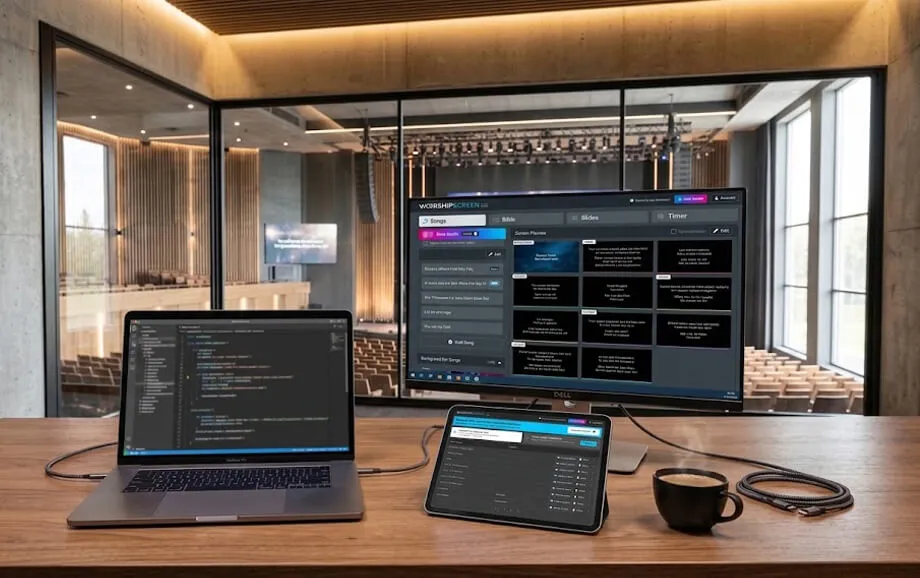
When a browser-based platform such as WorshipScreen is used, training can focus on the dashboard and the separate presentation window without introducing an extensive desktop production environment.
Reviewing the Order of Service
Walk through a real service plan and explain how songs, Scripture, sermon slides, announcements, and media are arranged.
This stage of church operator training is essential because the operator must understand the service structure, not simply react to whatever appears next on the screen.
How to Teach Song Management
Songs are often the best training material because they combine timing, repetition, and live changes. A trainee learns both software navigation and attention to worship cues.
Finding the Right Song
Teach the volunteer how songs are named, stored, and searched. Consistent titles make the library easier to use and reduce the risk of opening the wrong version.
The operator should also know how to verify that the selected song has the correct lyrics and section order before going live.
Advancing Slides
Slide changes should follow the singers rather than a fixed count. The trainee should listen for the end of the current line and advance early enough for the congregation to read the next one naturally.
This is one of the core skills of a presentation operator and improves only through repeated practice.
Working with Verses and Choruses
The volunteer should understand how verses, choruses, bridges, and repeated sections are organised. Worship leaders may repeat a chorus, return to a verse, or skip part of a song.
A good operator should be able to move between sections without rebuilding the playlist or searching through unrelated content.
How to Organise Practical Training
Practical sessions should recreate the pressure of a real service without putting the congregation at risk. Training works best when mistakes can be made, discussed, and repeated immediately.
Working Through a Test Service
Use an existing service playlist and let the trainee operate it from beginning to end. Include songs, Scripture, announcements, images, and at least one video.
The mentor should observe rather than interrupt every small mistake. Feedback is more useful after a complete section has been practised.
Simulating Unexpected Situations
Training should include deliberate changes:
repeat a chorus without warning;
ask for an unplanned Bible passage;
skip the next slide;
switch to a backup image or video.
These scenarios teach the operator to stay oriented when the service no longer follows the prepared sequence.
Practising Fast Content Search
Speed matters only after the trainee understands where content is stored. Ask the volunteer to find a song, Bible passage, or media item from the normal library structure.
The goal is not to race against a timer but to build a predictable search process that still works under pressure.
How a Beginner Should Work with a Mentor
A mentor reduces the risk of giving a new operator too much responsibility too early. The transition should be gradual and visible to both people.
Observing an Experienced Operator
The trainee should first watch a complete service from the operator position. The mentor can explain why certain slides are advanced early, why others are held, and how unexpected changes are handled.
Observation provides context that cannot be learned from software instructions alone.
Managing the Presentation Together
During the next stage, the trainee handles routine actions while the mentor remains ready to intervene. One person can control songs while the other monitors the overall church presentation and prepares upcoming content.
This shared approach helps the trainee build confidence without losing technical support.
Gradual Transition to Independent Work
Responsibility should increase in stages. The trainee may first handle one worship set, then a full rehearsal, and finally an entire service.
A clear transition reduces anxiety and gives the mentor a better basis for deciding when the trainee is ready.
How to Check Whether a Volunteer Is Ready
Readiness should be assessed through real tasks, not only through questions about the interface. A trainee may know every button but still struggle with timing or live changes.
Practical Test
Ask the volunteer to complete a short sequence independently:
open the correct playlist;
select and advance a song;
find a Bible passage;
play a video and return to the next item;
recover from one deliberate mistake.
The test should be completed on the actual presentation computer and display setup.
Working with a Real Service Plan
Give the trainee a current order of service and ask them to prepare and run it in rehearsal conditions. This checks whether they can connect content preparation with live operation.
For church operator training, this stage is more valuable than practising isolated software features.
First Independent Worship Service
The first solo service should still have an experienced backup nearby. The new presentation operator should know who can step in if there is a technical or workflow problem.
After the service, review only the most useful points rather than overwhelming the volunteer with a long list of minor corrections.
How to Maintain Operator Skills
Training should continue after the first independent service. Skills decline when operators serve rarely or when procedures change without explanation.
Regular Practice
A rota should give operators enough opportunities to remain familiar with the workflow. Volunteers returning after a long break may need a short refresher before serving independently.
Reviewing Mistakes
Mistakes should be discussed as process problems rather than personal failures. Ask what happened, why it happened, and whether the workflow or preparation could prevent the same issue next time.
This approach helps the church volunteer improve without becoming hesitant or afraid to make decisions.
Learning New Features
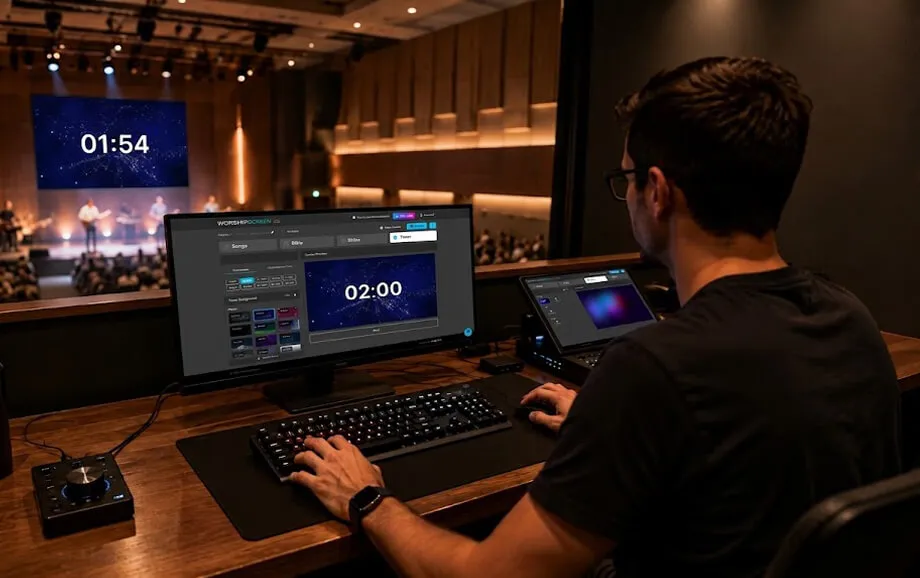
Introduce new software functions only when they solve a real need. Advanced media controls, additional displays, timers, or new content types should be trained separately before being added to a live service.
A strong church operator training programme produces more than someone who knows where to click. It creates an operator who understands the service, communicates with the team, and can keep the presentation clear when plans change. WorshipScreen and similar tools can simplify the technical workflow, but consistent practice remains the main factor in reliable operation.