Displaying lyrics and Scripture on a shared screen helps the congregation follow songs, readings, announcements, and other parts of a service. A reliable setup requires more than a presentation program: the church must combine a suitable control device, display equipment, reliable connections, and software designed to manage different types of content.
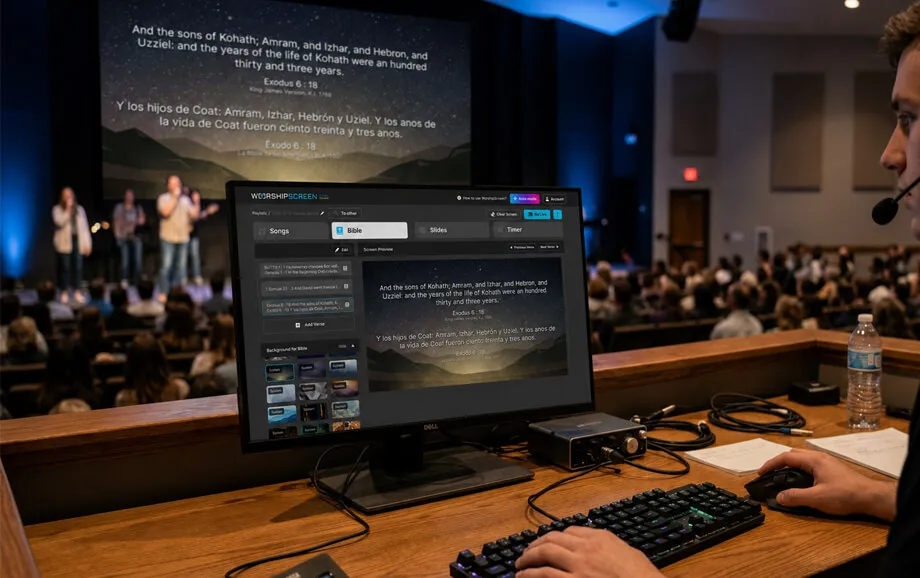
The choice of equipment for displaying text in church depends on the size of the room, viewing distance, ambient light, available mounting points, and the type of media used during gatherings. A small congregation may need only a computer and television, while a larger venue may require a projector or LED display with a dedicated signal path.
Why Text Display Is Needed in Church
Digital presentation helps the congregation follow the shared sequence of a worship service. Instead of relying only on printed hymnals or asking participants to locate every Bible passage individually, the media operator can place the required text on a screen at the appropriate moment.
The display may also be used for event information, sermon visuals, videos, countdowns, and neutral background images. When these elements are prepared consistently, they form a unified visual layer rather than a series of unrelated files.
Convenience for Worship Service Participants
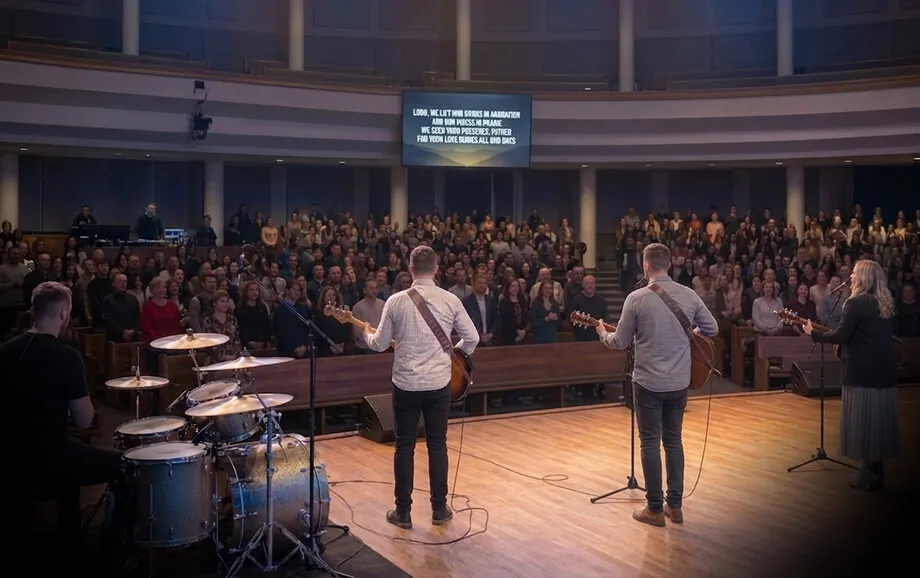
Clear song lyrics display in church allows participants to follow verses and choruses without looking down at printed materials or searching for a song on a separate device. This can be especially useful when the worship leader changes the order, repeats a chorus, or introduces a less familiar song.
Text size and positioning should reflect the actual room. A font that looks large on the operator’s monitor may still be difficult to read from the back row. The team should test the smallest planned text at the longest viewing distance before the service begins.
A practical visual setup should account for four factors:
Sufficient font size for the farthest seats.
Strong contrast between text and background.
Short text blocks that do not overcrowd the display.
A clear line of sight without structural obstructions.
The same principles apply to Bible passages and announcements. Long paragraphs are harder to follow than shorter sections displayed in sequence, particularly when the speaker is reading or commenting on the text.
Supporting a Modern Worship Format
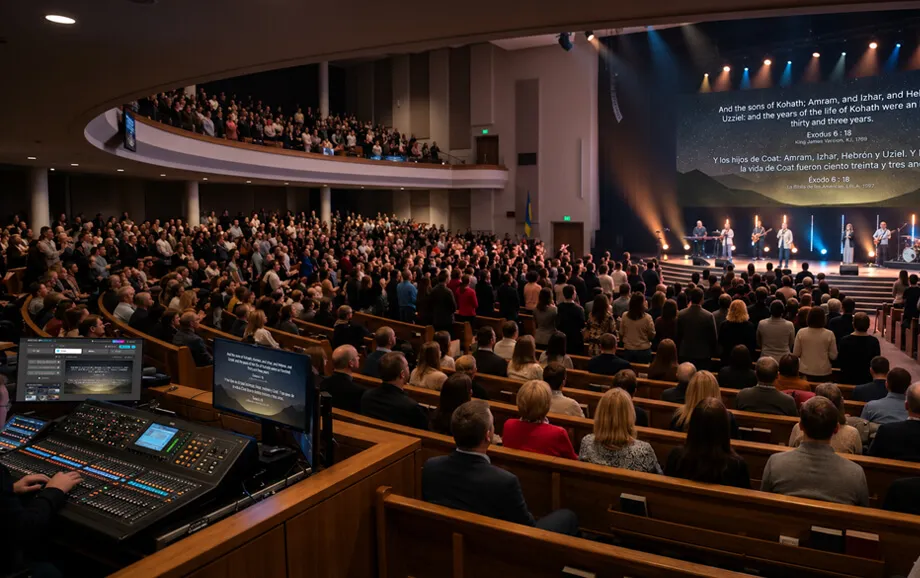
Modern worship services may combine songs, Scripture, recorded messages, event announcements, sermon illustrations, and video content. A digital system allows these materials to appear on the same worship service screen without changing the physical display source between every programme element.
Consistent formatting is important. Fonts, colours, text positions, background styles, and image proportions should follow the same visual logic throughout the gathering. This reduces distraction and helps participants focus on the content.
Multimedia also introduces technical requirements. Videos may include sound, external links need a stable internet connection, and high-resolution video and animated backgrounds require sufficient processing power. The media team should test the complete playlist on the actual equipment rather than relying only on a preview window.
A well-configured system supports the service without drawing attention to the technology itself. Content changes should appear cleanly, while the operator’s dashboard and file-management tools remain hidden from the congregation.
Essential Equipment for Displaying Text in Church
The core system includes a device for controlling the presentation, an output display, and a reliable connection between them. Additional components depend on the venue, installation method, and whether the church also uses video and audio materials.
Before purchasing equipment, the team should determine the required screen size, viewing distance, room brightness, available signal connections, and whether the setup will be permanent or assembled before each service.
Computer for Controlling the Presentation
The computer serves as the central control device. It runs the presentation interface, stores or accesses the service materials, and sends a separate live output to the congregation’s display.
For browser-based software, the machine needs a supported modern browser, reliable network access, and enough performance to play the planned media. Text-only presentations require fewer resources than playlists containing high-resolution video or animated backgrounds.
The computer should have a suitable video output, such as HDMI, DisplayPort, or USB-C with display support. When the available port does not match the projector or screen input, an active adapter may be required.
The operating system should be configured for an extended desktop rather than simple screen mirroring. In this mode, the operator keeps the control panel on the computer monitor and moves the live presentation window to the external display.
A dedicated presentation computer is preferable when possible. Automatic updates, notifications, sleep settings, screen savers, and unrelated applications should be disabled or configured so that they do not interrupt the service.
Projector or LED Screen
A projector is often suitable for churches that already have a projection surface or need a large image without installing a permanent electronic display. Its effectiveness depends on brightness, throw distance, lens placement, screen size, and ambient light.
For a bright room, the projector must produce enough visible light to maintain contrast. A technically adequate resolution will not compensate for insufficient brightness if daylight or stage lighting washes out the image.
A church projector setup normally requires the following:
a projector positioned at an appropriate throw distance;
a projection surface with suitable dimensions;
a signal cable or transmission system;
a secure mount or stable installation point;
access for maintenance, focus adjustment, and lamp or filter replacement.
An LED display produces its own light and is less affected by ambient illumination. It may provide stronger contrast and better visibility in large or brightly lit spaces, but installation, power requirements, signal processing, ventilation, and structural mounting are more complex.
The appropriate worship service screen should be selected according to room dimensions rather than only diagonal size. The team must consider pixel density, viewing distance, text height, aspect ratio, and the position of the first and last rows.
Television or Additional Display
A television can provide a practical alternative for a small sanctuary, meeting room, classroom, or side area. It is easier to install than a projector and normally offers predictable brightness, colour, and resolution.
The main limitation is physical size. One television may not be sufficient for a wide room or a congregation seated at a long distance. In such cases, two displays can be placed on opposite sides of the stage, provided that both receive the same stable video signal.
Some compatible televisions can open browser content directly. However, built-in television browsers may have limited performance, outdated rendering engines, or inconsistent support for video playback. The method should be tested before being used during a live gathering.
A television may also function as an operator confidence monitor or secondary display. The intended role should be determined in advance because the signal-routing requirements differ for duplicated and independent outputs.
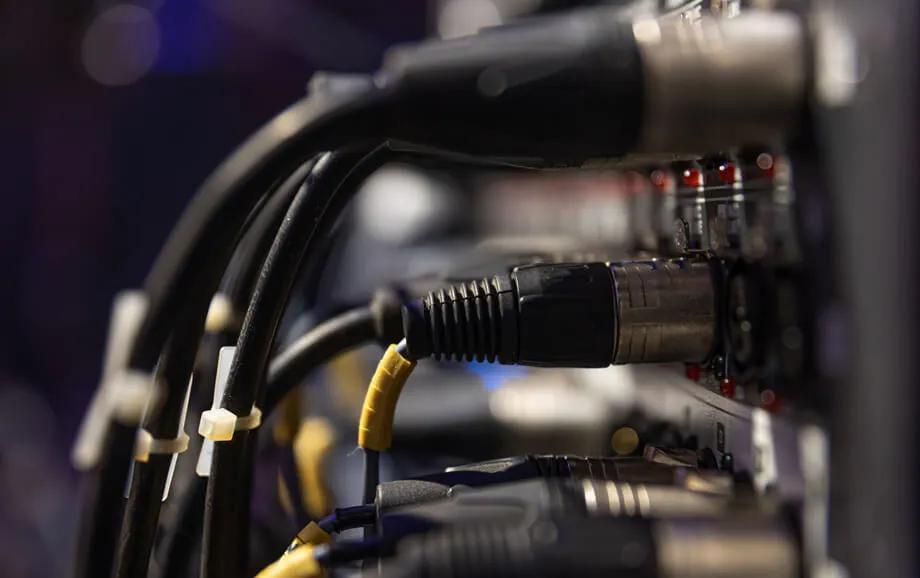
Cables and Connections
The signal path is as important as the computer and display. A high-quality screen cannot show a stable image if the cable, adapter, splitter, or converter is incompatible with the selected resolution and distance.
A basic connection may use HDMI between the computer and display. Longer cable runs may require active HDMI, fibre-optic HDMI, HDBaseT, or another transmission method designed for the required distance.
Adapters should support the target resolution, refresh rate, and audio requirements. A low-quality USB-C or DisplayPort adapter may produce intermittent blank screens, incorrect resolution, or failed device detection.
The technical team should label all connections and test the complete route. Spare cables and at least one compatible adapter should remain available during important events.
If one computer feeds several displays, a powered distribution device may be needed. Passive splitters are not suitable for every setup, especially when cable lengths or display specifications differ.
What Software Is Needed to Display Text
Hardware only carries the image; software determines how songs, Bible passages, backgrounds, videos, and timers are prepared and controlled. A suitable church software solution should separate the operator interface from the live output and allow materials to be arranged before the service.
The choice depends on whether the church needs a fixed slide deck or a flexible system designed for recurring worship content. Reusable song libraries and direct access to Scripture generally reduce weekly preparation.
Why Standard Presentations May Be Insufficient
General slide programs can display text and media, but every element is usually arranged manually. The operator creates separate slides, copies lyrics and Bible passages, inserts files, and rebuilds the order for each gathering.
This workflow becomes less efficient when songs contain repeated sections or the service order changes. The operator may need to search through a long linear deck to return to a chorus or display an unplanned verse.
Standard presentation files can also depend on locally stored media. If a video remains linked rather than embedded, moving the presentation to another computer may break the connection to that file.
A specialised tool is more practical when song lyrics display in church requires reusable songs, section-based navigation, Scripture access, and rapid switching between different media types.
How WorshipScreen Helps Manage the Display
WorshipScreen provides a browser-based control environment for preparing and presenting songs, Bible passages, images, videos, and timers. The operator works from a dashboard, while a separate live window is sent to the congregation’s screen.
The core workflow includes three stages:
adding songs, Scripture, and media to the service playlist;
arranging and checking the materials before the gathering;
controlling the live output from a computer or phone.
Songs can be entered into a reusable library and divided into verses, choruses, and bridges. These sections are then prepared for individual on-screen display without requiring the operator to build every slide manually.
Bible passages may be added in advance, and additional Scripture can be displayed when the speaker refers to an unplanned text. Images, uploaded videos, YouTube links, backgrounds, and timers remain available within the same presentation environment.
As browser-based church software, the platform does not require a separate desktop presentation application. Stable internet access is still necessary, especially for YouTube playback and other online content.
Equipment Options for Churches
There is no single equipment package that suits every congregation. The correct configuration depends on room dimensions, service format, budget, installation restrictions, and the number of people who need a clear view of the content.
A basic setup can support a small church effectively, while a larger venue may require a brighter display, longer signal transmission, backup equipment, and professional mounting.
Basic Starter Setup
The minimum system consists of a computer, one main display, the required connection cable, and presentation software. A television is often the simplest option for a small room, while a projector can create a larger image when a suitable wall or screen is available.
A basic setup may contain five components:
A computer with a modern browser and compatible video output.
A television or projector sized for the viewing distance.
An HDMI cable or suitable adapter.
Stable internet access for browser-based functions.
A church software platform for preparing and controlling content.
The operator should test the complete system under normal room lighting. This check must include text readability, display resolution, audio playback, internet performance, and the separation between the dashboard and live output.
Even a simple installation benefits from a backup plan. A spare cable, adapter, and locally available copy of essential text can reduce disruption if a connection fails.
Advanced Setup with an LED Screen
An LED installation is appropriate when the church needs high brightness, large dimensions, or consistent visibility under strong stage lighting. Unlike a television, a modular LED wall requires display panels, receiving cards, processing equipment, power distribution, data cabling, and a secure supporting structure.
The image processor scales the computer signal to the exact pixel dimensions of the LED canvas. Incorrect output resolution can produce cropped content, black borders, or distorted proportions.
The technical design should also consider heat, electrical load, ventilation, maintenance access, and redundancy. Large installations should be specified and mounted by qualified professionals.
An LED system may include a secondary monitor for the operator and additional displays for musicians or side seating. These outputs require appropriate signal distribution and should not be assumed to work from a basic passive splitter.
Regardless of display type, the equipment for displaying text in church should be tested as a complete system. Computer performance, signal routing, screen configuration, software output, and media playback all affect the final result.
How to Connect WorshipScreen to the Equipment
The general setup uses one computer as the control centre. The computer opens the dashboard and a separate live presentation window, while the external display receives only the content intended for the congregation.
First, the projector, television, or LED processor is connected to the computer through the appropriate video interface. The operating system is then set to extended desktop mode, and the live output window is moved to the external display.
The operator should confirm the following before the service:
The external display is detected at the correct resolution.
The dashboard remains on the operator’s monitor.
The live window fills the congregation’s screen.
Videos play with sound through the intended audio route.
Online content loads reliably over the available connection.
After the playlist has been prepared, the operator changes songs, Bible passages, images, and videos from the dashboard. The content on the external worship service screen updates while the control tools remain hidden.
WorshipScreen can also be controlled from a phone, but the primary presentation computer still needs a stable connection to the output display. Any mobile-control workflow should be tested on the same network before the gathering.
Start Displaying Text in Church with WorshipScreen
A church can begin with a computer, one suitable display, a reliable connection, and a prepared service playlist. The first test should be completed in the actual room so that brightness, text size, viewing angles, signal stability, and sound can be checked under real conditions.
Selecting an appropriate church projector, television, or LED display is only one part of the setup. Clear visual support also depends on correct resolution, readable formatting, tested media, and software that allows the operator to respond during the service.
Register, connect the available equipment, and use the service for Bible passages, videos, and clear song lyrics display in church from one browser-based control environment.