PowerPoint is often used to prepare visual materials for church gatherings because it is familiar and widely available. However, a presentation built from conventional slides may become difficult to manage when the operator needs to change the order of songs, open an unplanned Bible passage, or switch quickly between lyrics, images, and videos.
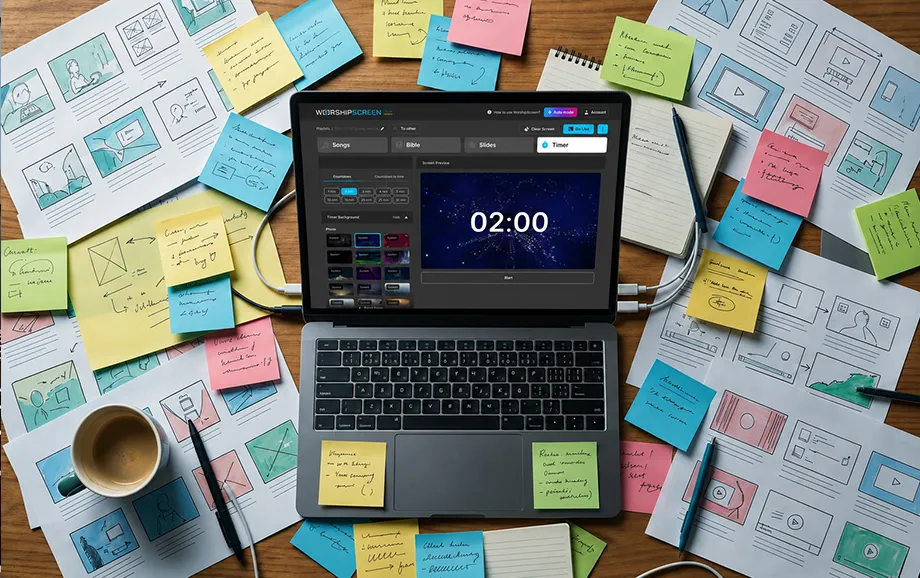
Churches considering what to replace PowerPoint with should look for a tool designed around the actual sequence of a live service. Specialised worship service software can store reusable songs, organise different materials in one playlist, and provide a separate output window for the congregation’s screen.
Why PowerPoint Is Not Always Convenient for Worship Services
PowerPoint can display text, images, and videos, but it was created as general presentation software rather than as a dedicated church media system. Every slide must normally be prepared, arranged, and checked manually before the service begins.
This approach may be sufficient for a fixed sermon presentation. It becomes less convenient when a worship team needs flexible song navigation, fast access to Scripture, or immediate changes during a live gathering.
Complexity of Preparing Materials
Preparing PowerPoint for worship services often requires a separate slide for every verse, chorus, bridge, Bible passage, announcement, and visual element. A song with several repeated sections may occupy many slides, even though most of them contain similar text.
The operator must also choose the font, position each text box, apply backgrounds, and check whether the content fits the screen. When a new song is added, the same formatting process has to be repeated.
A typical preparation process may include four manual tasks:
Dividing every song into individual slides.
Copying Bible passages into separate text boxes.
Adding and positioning images or video files.
Rearranging the complete slide sequence before each service.
These actions increase preparation time and create more opportunities for inconsistent formatting. A spelling correction or change in the order of worship may also require edits across several slides.
Limited Text Management Capabilities
PowerPoint treats song lyrics as ordinary text placed on slides. It does not automatically recognise verses, choruses, bridges, or other structural parts of a worship song.
As a result, the operator cannot manage a song as a reusable item with clearly separated sections. If the worship leader repeats a chorus or returns to an earlier verse, the operator must locate the corresponding slide within the presentation.
The same limitation affects Scripture. PowerPoint does not include a built-in Bible module for selecting a translation, preparing passages, or displaying an additional verse during a sermon. Each passage must be copied into the presentation in advance or created manually during the service.
For churches where song lyrics display is a central part of the media workflow, a conventional slide deck may therefore require more preparation and slower navigation than a purpose-built system.
Inconvenience of Working with Different Content Formats
A church service may combine worship lyrics, Bible passages, announcements, photographs, videos, background media, and countdowns. PowerPoint can contain several of these formats, but all materials remain tied to a fixed slide sequence.
Video playback may depend on the way the media was inserted, the supported codec, audio routing, and whether any external files remain accessible. Moving the presentation to another computer can create broken links if external files were not transferred correctly.
Changes during a live service may also require the operator to leave the slideshow, locate another file, or open a separate application. These actions can expose the desktop or editing interface on the congregation’s display if the output has not been configured correctly.
A dedicated system keeps the service materials within one control environment. This makes the church presentation easier to navigate when several content types must be used in rapid succession.
What Alternatives to PowerPoint Are Available for Churches
Modern church media tools generally fall into two categories: installed presentation applications and browser-based services. Both are designed to address tasks that general slideshow software handles less efficiently.
The right option depends on the scale of the church, available equipment, number of displays, technical experience of volunteers, and types of media used during services.
Specialised Software for Worship Services
Specialised church presentation programs are built around recurring worship tasks. They may provide song libraries, structured lyrics, Scripture modules, service playlists, media backgrounds, timers, and live output controls.
Unlike a conventional slide deck, a song can be stored once and reused in multiple services. Verses and choruses remain separate, allowing the operator to select the required section without scrolling through an entire presentation.
Some professional applications also support multiple outputs, stage displays, livestream integrations, automation, and connections to external production equipment. These features may be useful for large churches, although they can require paid licences, more powerful hardware, and additional operator training.
A simpler worship service software platform may be more suitable when the church primarily needs songs, Bible passages, images, videos, and one primary presentation screen.
Online Services for Displaying Content
Browser-based platforms do not require a desktop application to be installed on the computer. Users create an account, prepare their materials online, and open the live presentation through a supported browser.
This model simplifies access because the service is not tied to one local installation. The operator can prepare content through the web interface and then use a church computer to open the required playlist.
Online services still depend on technical preparation. The browser, internet connection, external display, video playback, and audio output should be tested before the gathering. YouTube playback requires a stable connection with sufficient bandwidth.
For churches deciding what to replace PowerPoint with, a browser-based platform offers a practical balance between familiar controls and functions created specifically for worship presentations.
WorshipScreen as an Alternative to PowerPoint
WorshipScreen is a browser-based service created by a worship team to meet the presentation needs of its own church. It was later made available to other Christian communities looking for a straightforward way to manage songs, Scripture, and media during services.
Instead of building every gathering as a fixed sequence of conventional slides, users can prepare reusable content and arrange it within a service playlist. The operator then controls a separate live output window from one computer or phone.
Displaying Song Lyrics Without Creating Numerous Slides
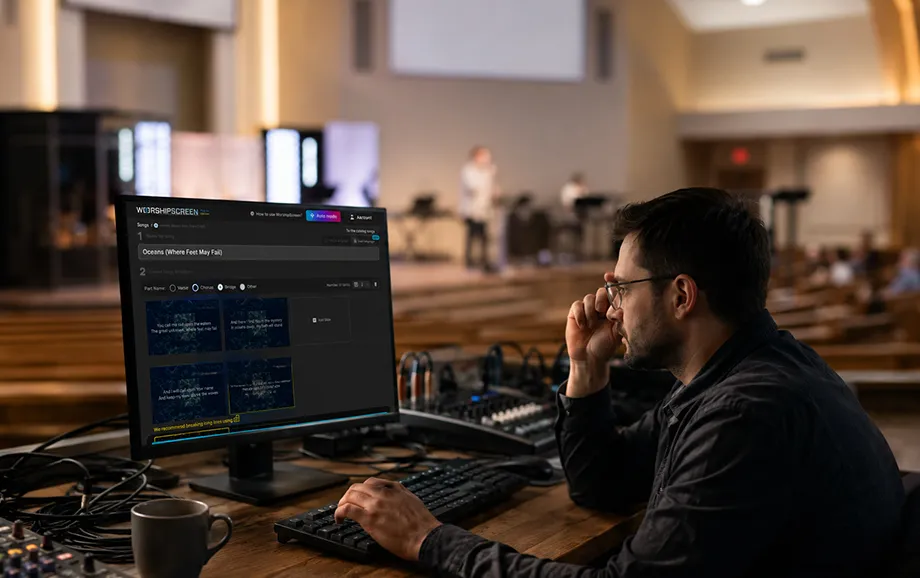
The song editor allows users to enter a title, add the complete lyrics, and mark sections such as verses, choruses, and bridges. The platform prepares each marked section for separate on-screen display.
This process reduces repetitive slide design. Once a song has been prepared, it remains in the library and can be added to future playlists without recreating every text screen.
During the service, the operator selects the required section from the control panel. If the worship leader repeats a chorus or changes the planned order, the appropriate lyrics can be opened without moving through a long linear slide deck.
This approach makes song lyrics display more flexible and reduces the amount of manual formatting required before each gathering.
Working with the Bible, Images, and Videos
Bible passages can be added to the service playlist in advance. The operator can move between verses during a sermon or reading and open an additional passage if the speaker refers to Scripture that was not included in the original plan.
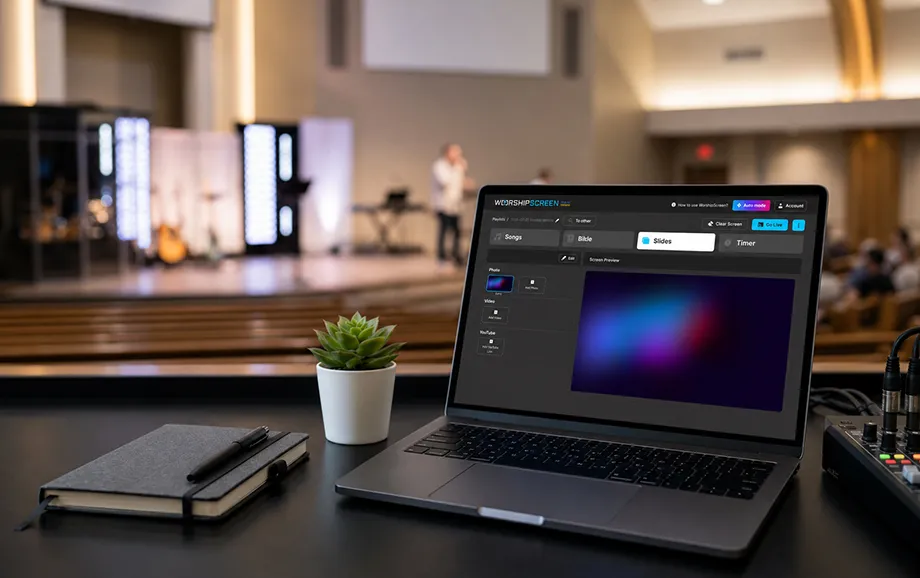
Images may be used for announcements, event information, sermon illustrations, church branding, or visual backgrounds. Uploaded videos and YouTube links can also be included in the presentation.
The platform therefore allows several content types to be managed in one place:
Structured song lyrics and reusable song entries.
Prepared and unplanned Bible passages.
Standalone images and visual backgrounds.
Uploaded video files and YouTube materials.
Timers for service openings, breaks, or transitions.
A default image displayed between active presentation items.
Media should still be checked before the service. The operator needs to confirm image proportions, video playback, internet stability, audio routing, and text readability on the actual output screen.
Managing the Display from One Computer
The control interface and the live presentation operate in separate browser windows. The operator sees the playlist, navigation tools, and available content, while the congregation sees only the selected song, passage, image, video, or timer.
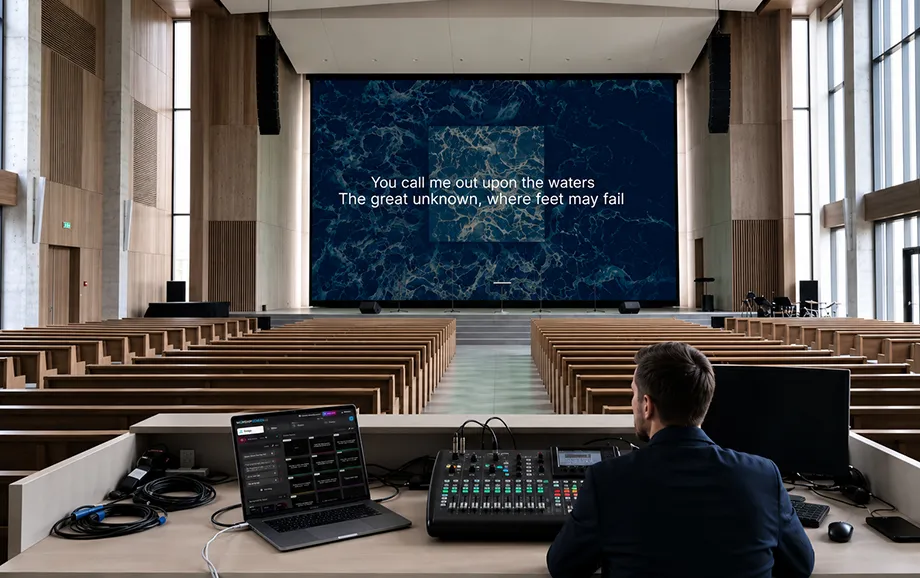
A computer can send the live output to a projector, television, or LED screen through an available video connection. In an extended desktop setup, the control panel remains on the operator’s monitor and the presentation window is moved to the external display.
This structure allows one person to manage the principal materials without switching between several applications. It also reduces the risk of showing editing tools or file directories to the congregation.
A compatible television may open the presentation through its built-in browser, although browser support and device performance should be tested before relying on this configuration during a live event.
Comparison of PowerPoint and WorshipScreen
PowerPoint and a specialised browser-based platform can both display church materials, but they organise the work differently. PowerPoint uses a linear slide deck, while WorshipScreen centres the workflow on reusable content, playlists, and live controls.
The main differences are shown below:
Criterion | PowerPoint | WorshipScreen |
Preparation | Slides are normally created and formatted manually | Songs and other materials are organised as reusable playlist items |
Song lyrics | Every section is placed on an individual slide | Verses, choruses, and bridges are generated from structured song text |
Bible passages | Scripture is copied into slides manually | Passages can be prepared in the service playlist and additional verses can be opened |
Media files | Images and videos are inserted into a fixed slide sequence | Images, uploaded videos, YouTube links, and backgrounds are managed within the playlist |
Live navigation | The operator moves through a predetermined slide order | The operator can select songs, verses, and media directly from the control panel |
Installation | Requires access to the installed desktop application | Operates through a supported web browser |
PowerPoint remains useful for fixed presentations where the material follows a predictable sequence. A specialised service is more practical when the operator needs reusable lyrics, rapid switching, and several types of church media within one working environment.
The choice should reflect the actual service format. A small meeting with a short sermon deck may not require a dedicated platform, while a weekly church presentation containing worship songs, Scripture, videos, and frequent live adjustments benefits from a centralised presentation workflow.
How to Switch from PowerPoint to WorshipScreen
Moving to a new presentation tool does not require the church to transfer every historical slide deck immediately. A gradual transition allows the media team to test the workflow and create a clean content library without disrupting regular services.
A practical migration process includes five steps:
Create an account and review the main dashboard controls.
Add several frequently used songs and divide them into verses and choruses.
Prepare Bible passages, images, videos, and backgrounds for one upcoming service.
Build a playlist and test it on the church projector, television, or LED screen.
Train another volunteer to open the live output and navigate between materials.
The first test should take place outside a live service. The team needs to confirm the browser configuration, internet connection, extended display settings, video playback, and audio output.
Existing PowerPoint files can remain available as a temporary backup. Over time, reusable songs and regularly used media can be transferred into the new library, reducing dependence on manually prepared slide decks.
This phased approach allows the church to evaluate the platform under real operating conditions and determine whether it provides a suitable replacement for PowerPoint for worship services.
Try WorshipScreen Instead of PowerPoint
A church can begin with one service playlist containing several songs, prepared Bible passages, images, and a video. Testing a limited set of materials makes it easier for volunteers to learn the control workflow and identify any technical adjustments before wider use.
WorshipScreen provides a focused alternative for churches that need faster preparation, reusable song content, and centralised control from one browser-based workspace.
Register, connect the presentation display, and test the service to decide what to replace PowerPoint with for clear lyrics, Scripture, and media during worship.