A smooth visual presentation depends on clear ownership. When lyrics, Bible passages, announcements, and videos appear at the right moment, the congregation rarely notices the technical work behind them. When responsibilities are unclear, even a simple slide change can become a distraction.
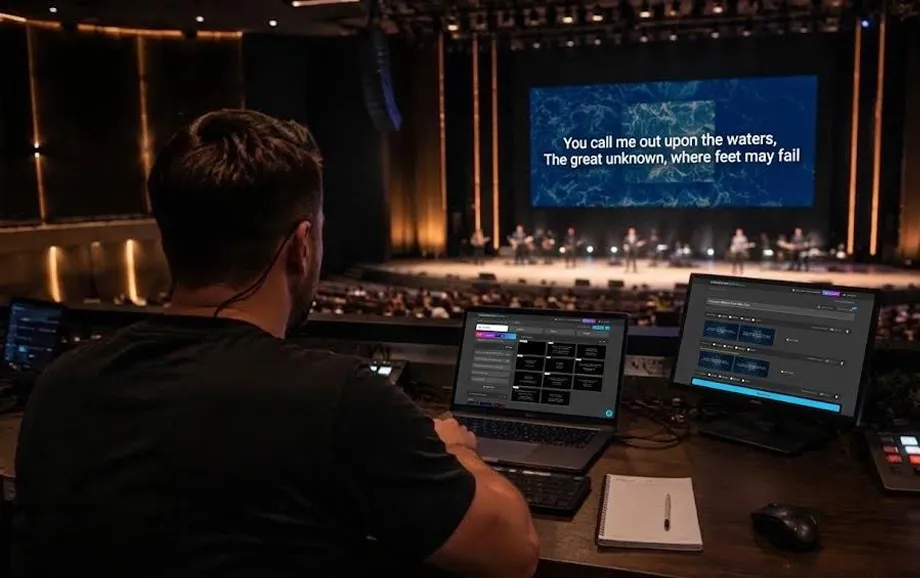
The church screen operator is only one part of the workflow. A reliable media ministry also needs someone to prepare content, maintain the technical setup, and coordinate people and timing. Clear roles keep the screen during worship predictable and the church presentation aligned with the service.
Who Is Responsible for the Church Screen
Responsibility should be divided by function rather than assigned vaguely to “the media team.” The live operator controls what the congregation sees, the technical lead keeps the signal path working, and the coordinator makes sure the team is ready.
Presentation Operator
The operator follows the order of service and controls lyrics, Scripture, slides, videos, and other visual content in real time. This person needs to know what is live, what comes next, and how to react if a chorus is repeated or the planned sequence changes.
Technical Lead
The technical lead is responsible for the computer, display connections, projector or LED screen, adapters, cables, and basic troubleshooting. This role should understand the signal path from the presentation device to the audience display.
Media Ministry Coordinator
The coordinator organises the media ministry, assigns responsibilities, confirms who is serving, and keeps communication with worship leaders, pastors, and other teams clear.
Main Responsibilities of the Operator
The live operator is responsible for timing. Good operation is less about clicking quickly and more about following the service closely enough to anticipate the next cue.
Displaying Song Lyrics
Lyrics should appear early enough for the congregation to join in naturally, but not so early that the next line is revealed before the worship leader reaches it. The church screen operator should also know how verses, choruses, and bridges are structured.
Advancing Slides
Slide changes should follow the speaker, not a fixed timer. Sermon points, Bible references, announcements, and worship slides all require attention to verbal cues and the pace of the service.
Preparing the Next Section
While one item is live, the operator should already know what comes next. Keeping the current item, the next item, and a fallback option easy to reach reduces hesitation when the order changes.
Who Is Responsible for Preparing Content
Live presentation becomes much easier when material has already been checked. The person preparing content should work before the service so the operator can focus on timing rather than editing.
Preparing Song Lyrics
Song titles, verse order, repeated choruses, spelling, punctuation, and line breaks should be checked in advance. Lyrics should be formatted for the actual screen size and viewing distance.
Creating Information Slides
Announcement slides need clear hierarchy, limited text, readable type, and only the essential details: event name, date, time, location, and action point when relevant.
Preparing Videos and Images
Media files should be checked for resolution, aspect ratio, playback, and audio. Confirm that every file opens correctly on the presentation computer, not only on the device where it was created.
What the Technical Specialist Is Responsible For
The technical specialist protects the reliability of the church presentation. The role is not primarily about creating content; it is about making sure the computer, cables, adapters, network, and display behave as expected.
Computer and Connections
The presentation computer should have the correct display mode, power connection, adapters, and video output. Before the service, verify the signal path and remove unnecessary points of failure.
Projector or Display
The projector, television, or LED screen should be on the correct input and use a suitable resolution. Focus, scaling, image position, and brightness should be checked from the seating area.
Resolving Technical Problems
The technical lead should have a short recovery sequence for common failures:
no signal from the computer;
wrong display selected;
missing audio;
frozen or unavailable media.
A written troubleshooting order helps the team solve problems faster and prevents several people from changing settings at once.
The Role of the Media Team Coordinator
The coordinator turns separate volunteers into one working team. This is especially important when several people share duties across different services.
Assigning Tasks
Each service should have named responsibility for live presentation, content preparation, and technical support. In a small church, one person may cover two roles, but ownership should still be explicit.
Volunteer Schedule
The rota should be prepared in advance and include a backup where possible. A stable schedule prevents the same volunteers from serving every week and gives new operators time to train.
Checking Team Readiness
Before the service, the coordinator should confirm three things:
all required people are present;
the content has been prepared;
the technical check has been completed.
This checkpoint keeps the screen during worship from becoming a last-minute responsibility.
How to Divide Responsibility Between Team Members
A clear division of work reduces duplicate effort and makes decisions faster. Everyone should know who has final authority during the live service.
Who Makes Decisions
The worship leader or service leader usually decides changes to the service order. The operator should follow those decisions rather than improvise independently unless a technical problem requires an immediate fallback.
Who Checks the Materials
Content should be reviewed by the person who prepared it and, for critical items such as lyrics or sermon slides, checked by a second person when possible. The goal is to catch errors before they reach the main screen.
Who Replaces the Operator
Every regular operator should have a trained backup. The replacement must know the playlist structure, display setup, and recovery procedure, not just the basic controls.
How to Avoid Confusion During the Service
Most mistakes happen when information is fragmented or responsibility overlaps. A simple operating model is more reliable than an informal system built around verbal reminders.
One Shared Run Sheet
Use one agreed service plan listing songs, Scripture, sermon elements, announcements, and media. The church presentation should be prepared from the same source used by the worship and pastoral teams.
Communication Rules
Keep live communication short and unambiguous:
one person gives presentation cues;
non-urgent discussion waits until after the service.
This keeps the operator focused and prevents conflicting instructions.
Clear Areas of Responsibility
The media ministry should document who prepares content, runs the presentation, fixes technical issues, communicates changes, and serves as backup. When these areas are assigned, the screen during worship becomes a managed part of the service rather than a shared assumption.
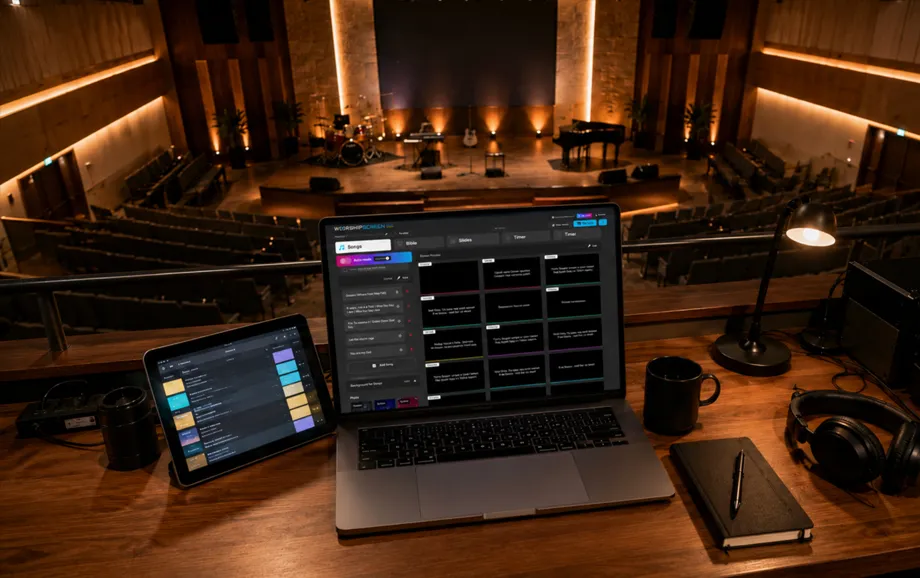
A browser-based platform such as WorshipScreen can simplify the operator workflow by separating the control interface from the live output. The technology helps, but reliable execution still depends on people knowing their roles and communicating clearly.