Do you still have questions?
See the full guide
- EN
- UA
Praise God and Easily Display Lyrics with WorshipScreen Church Presentation Software


WorshipScreen was created by a worship team for its own church and is now shared with congregations looking for simple church presentation software.
Manage song lyrics, Bible passages, images, videos, and backgrounds in one browser-based workspace. Unlike complex church presentation programs, WorshipScreen keeps services easy to prepare and control.
Most importantly, it is free church presentation software. All you need is internet access and a compatible screen, projector, or TV.
Create your account and open the WorshipScreen dashboard.
Build your song library and create playlists for each service. Add songs, Bible passages, photos, and videos, then choose a ready-made background or upload your own.
Connect your computer to an LED screen or projector, or open the presentation in a TV browser. Control what appears on screen from your computer or phone.
View the full guideEasy to understand, even for first-time volunteers. A practical choice for churches looking for an easy worship program.
Use WorshipScreen in your browser with no desktop software to install. It is simple easy worship software for fast setup.
WorshipScreen is free to use, with optional donations supporting further development.
Manage songs, Bible passages, slides, and videos in one place with worship presentation software built for church services.
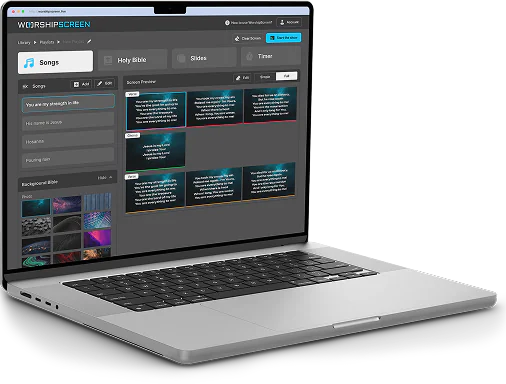
Looking for simple worship software for weekly services? WorshipScreen brings songs, Scripture, media, and practical presenter worship tools into one free browser-based service.
For teams comparing worship tools presenter solutions, it offers the core functions needed to prepare and control visual content without a complex production setup.
Use this praise and worship software to organise your service and control what the congregation sees.
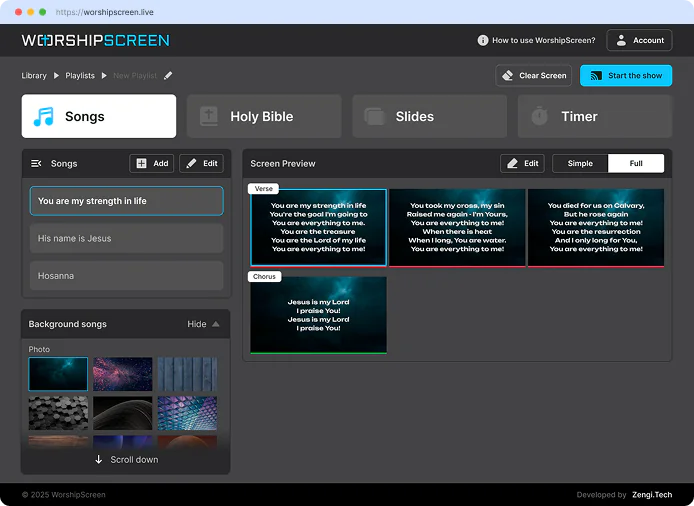
Create your own song library and display lyrics in a way that makes it easy for the congregation to follow along and join in worship.
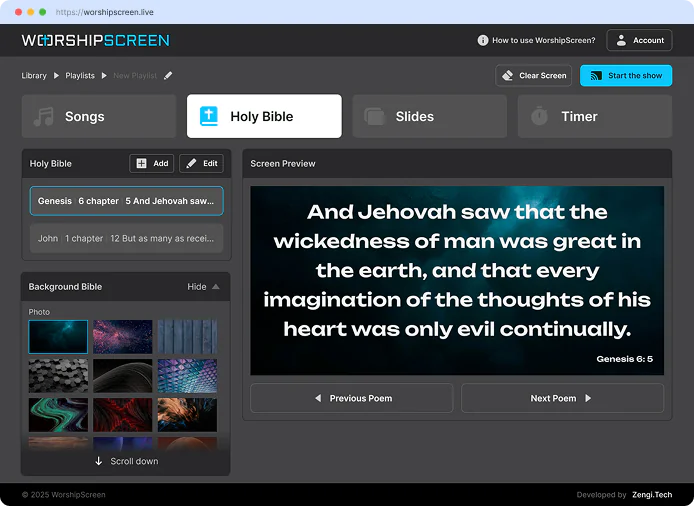
Prepare Bible passages in advance or quickly find the verse you need during the service.
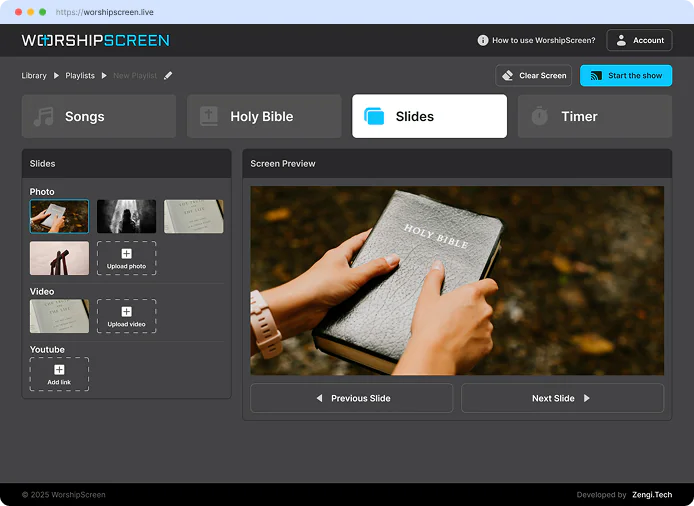
Display images, videos, announcements, and sermon materials in one convenient place.
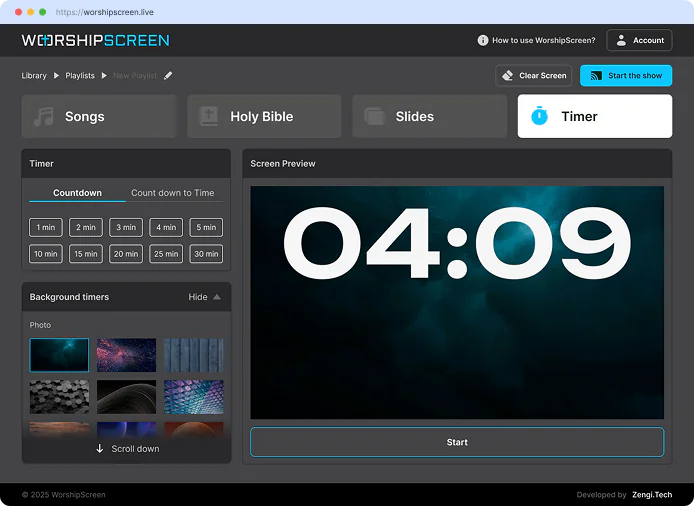
Start a countdown before the service or between parts of the program to keep transitions smooth and organized.

Hello! We used the service during our Easter worship service, and we will definitely continue using it! It’s very convenient, easy to use, and meets all of our needs. We didn’t experience any issues at all—everything worked perfectly! Thank you once again for your incredible work and support. We truly appreciate it!

WorshipScreen, thank you for creating such a wonderful service! It is very user-friendly and easy to use, even for people without technical experience. Songs are quick and easy to create, add to playlists, and assign backgrounds to. During the service, we can enter Bible passages directly into the program, and during breaks, the screen automatically displays our logo or a Scripture reference on a background image. Everything is convenient, well thought out, and easy to access, making it very comfortable to use. Thank you so much for this amazing service! May God richly bless your entire team!

Hello! I’d love to share my feedback. This app is simply amazing! Everything is very intuitive, and it works flawlessly—no delays or technical issues at all. The interface is clean, user-friendly, and a pleasure to use. One feature I especially appreciate is that you don’t have to create each slide manually. I truly believe this project is a breakthrough for church media ministries. It’s a great solution for both large churches and smaller churches that are just getting started. Thank you so much for creating it!🙌🙌🙌
Do you still have questions?
See the full guide