Worship presentation tips and church media guides

Practical guides for worship lyrics, Bible slides, church media, service preparation, and using WorshipScreen well.

Church Operator Checklist Before the Worship Service
7 min read

Church Operator Checklist Before the Worship Service

A stable presentation starts long before the first song. The operator needs enough time to check the computer, display connection, media files, song order, and service plan before the congregation enters the room. A structured church operator checklist reduces last-minute troubleshooting and makes technical problems easier to isolate.

Read article

How to Set Up Dual Monitors on Windows for Presentations
6 min read

How to Set Up Dual Monitors on Windows for Presentations

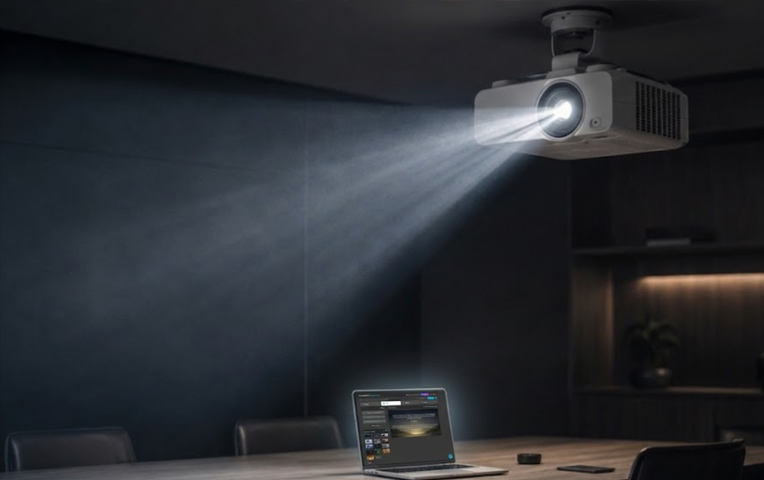
Using two displays separates the operator’s workspace from the content shown to an audience. One screen can hold presentation controls, notes, media libraries, or upcoming slides while the second monitor, television, or projector shows only the live presentation.

Read article
How to Choose a Projector for Church
7 min read

How to Choose a Projector for Church

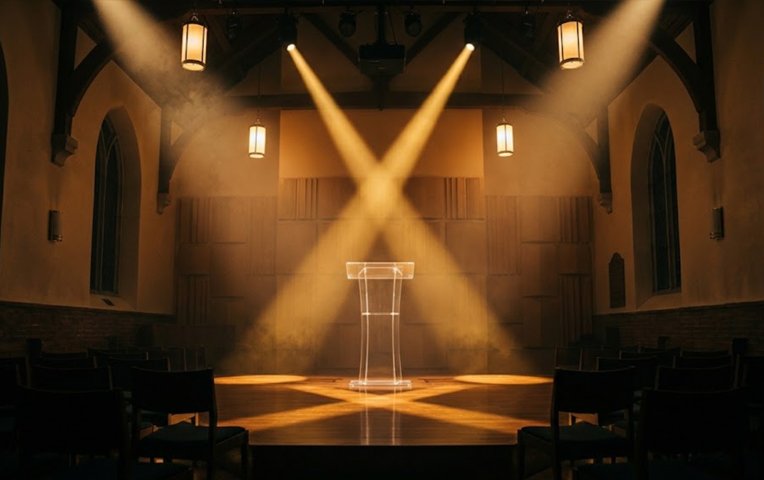
Choosing a projector for a sanctuary starts with the room, not the product catalogue. Screen size, ambient light, throw distance, mounting position, resolution, and signal path all affect what the congregation will see. A projector can still produce washed-out lyrics if it is poorly matched to the space.

Read article
Worship Display Software Reviews
6 min read

Worship Display Software Reviews

Church presentation systems have to do more than show prepared slides. During a live service, an operator may need to repeat a chorus, open an unplanned Bible passage, switch to a video, or return to an earlier screen without exposing the control interface to the congregation. That makes worship display software a live-production tool rather than a conventional slideshow application.

Read article
Top 10 Church Presentation Software
6 min read

Top 10 Church Presentation Software

Church presentation platforms now range from lightweight browser tools to full production systems with stage displays, network video, remote control, and multiple independent outputs. Choosing between them depends less on the number of advertised features and more on what a church actually needs during a live service.

Read article
How to Fix Projector No Signal Problem
6 min read

How to Fix Projector No Signal Problem

A “No Signal” message usually means the projector is powered on but is not receiving a valid video signal from the laptop or other source device. The fault can occur anywhere in the connection chain: the cable, adapter, selected input, operating-system display settings, graphics driver, or supported resolution.

Read article
How to Connect a Projector to a Laptop: Beginner’s Guide
6 min read

How to Connect a Projector to a Laptop: Beginner’s Guide

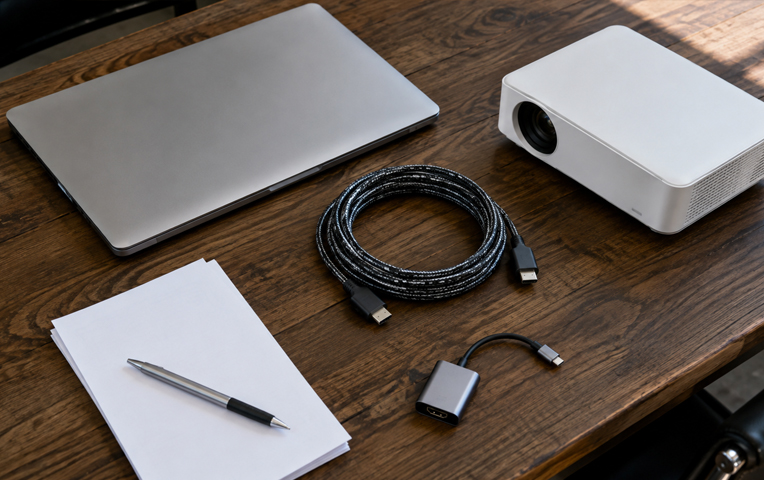
Connecting a projector is usually straightforward once the video ports, cable type, and display mode are identified. Most connection problems come from using the wrong input, an adapter that does not support video, or incorrect laptop display settings rather than from the projector itself.

Read article